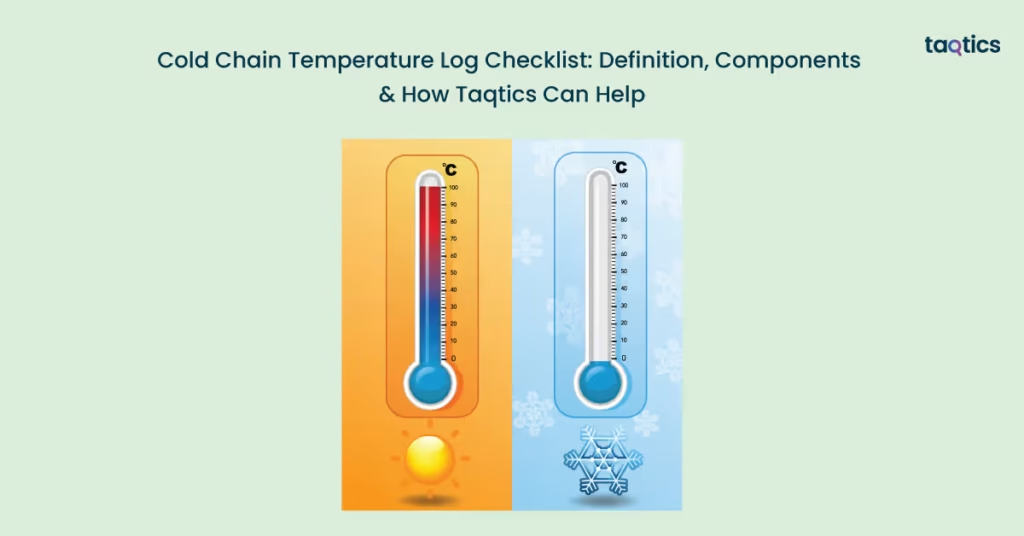
Cold Chain Temperature Log Checklist: Definition, Components & How Taqtics Can Help
A cold chain temperature log checklist ensures that temperature-sensitive products such as food, dairy, vaccines, and pharmaceuticals are stored and handled within safe temperature ranges throughout the supply chain. A cold chain temperature log checklist also helps retail and warehouse teams monitor refrigeration conditions, detect deviations quickly, and maintain compliance with food safety and health regulations. According to the 2022 World Health Organization (WHO) temperature control report, nearly 25% of vaccines are degraded globally due to temperature management failures, highlighting the importance of continuous cold chain monitoring.
A cold chain temperature log checklist plays a critical role in protecting product quality, reducing spoilage, and maintaining regulatory compliance. The 2023 Global Cold Chain Alliance (GCCA) industry study found that temperature excursions account for a significant share of perishable product losses in retail and distribution, costing businesses billions annually. By including components such as temperature logging, deviation reporting, corrective action tracking, and digital tools like Taqtics, a structured checklist helps retailers maintain product safety, ensure audit readiness, and improve accountability across locations.
What Is Cold Chain Temperature Log Checklist?
A cold chain temperature log checklist is a structured tool used to monitor and record the temperature of perishable or temperature-sensitive products throughout storage, handling, and transportation. It ensures that items such as dairy, frozen foods, meat, pharmaceuticals, and vaccines are maintained within defined temperature ranges to preserve quality and safety.
The checklist typically includes steps for recording temperatures at scheduled intervals, checking refrigeration equipment performance, identifying temperature deviations, and documenting corrective actions taken. It helps staff verify that cold storage units, freezers, and transport containers consistently meet required standards.
By using a cold chain temperature log checklist, retailers and storage facilities can prevent spoilage, maintain regulatory compliance, ensure product safety, and create a documented audit trail for inspections and quality control.
What Should Be Included In A Cold Chain Temperature Log Checklist?
A cold chain temperature log checklist should include structured checks across receiving, storage, display units, documentation, and corrective action procedures.
Receiving & Transport
This stage ensures that temperature-sensitive goods arrive in safe condition and are transferred quickly into controlled storage. Proper checks at this stage prevent compromised products from entering inventory.
- Verify the truck or transport temperature is within the safe range before unloading.
- Check product temperatures immediately upon delivery.
- Inspect packaging for damage, leaks, or thawing signs.
- Review data loggers for any temperature excursions during transit.
- Move time-sensitive items directly to appropriate cold storage without delay.
Storage (Walk-in Freezers, Chillers & Reach-ins)
This stage focuses on maintaining consistent temperature control in storage areas to preserve product quality and safety.
- Record storage temperatures at least twice daily (morning and evening).
- Ensure thermometers are functioning and calibrated regularly.
- Check for excessive frost buildup in freezers or coolers (ideally below 5 mm).
- Store products off the floor and away from walls for proper air circulation.
- Ensure doors seal properly and are not left open unnecessarily.
- Maintain backup cooling systems or contingency plans.
Display Cases
This stage ensures temperature control continues even when products are on the sales floor and accessible to customers.
- Monitor display case temperatures every few hours (for example, every 4 hours).
- Ensure products are not stacked above the air-load line, allowing proper cooling.
- Confirm digital display temperatures match internal thermometer readings.
Documentation & Maintenance
This stage ensures proper recordkeeping and equipment upkeep for compliance and audit readiness.
- Maintain temperature log sheets signed and dated by responsible staff.
- Document any temperature deviations and corrective actions taken.
- Keep equipment maintenance and calibration logs updated.
Corrective Actions
This stage ensures a quick response to temperature deviations to prevent spoilage or safety risks.
- Notify the store manager or supervisor immediately if the temperature is out of range.
- Check for power failures, door seal issues, or excessive icing.
- Transfer stock to properly functioning units if required.
- Discard, cook, or refreeze items if they remain in unsafe temperature zones beyond acceptable time limits.
Including these components in a cold chain temperature log checklist helps retailers maintain product safety, reduce spoilage, and ensure compliance with food and safety regulations.
What Temperatures Should Supermarkets Maintain For Chilled And Frozen Foods?
Supermarkets should maintain strict temperature ranges for chilled and frozen foods to preserve safety and quality. These ranges are based on widely accepted food safety standards and help prevent bacterial growth and spoilage.
The key concept behind temperature control is avoiding the “danger zone,” where bacteria multiply rapidly. The danger zone typically falls between 5°C and 60°C (41°F to 140°F), so keeping food outside this range is critical.
| Category | Recommended Temperature | Why It Matters |
| Chilled / Refrigerated foods | ≤ 5°C (≤ 41°F) (commonly referenced standard) | Slows bacterial growth and preserves freshness of dairy, meat, and ready-to-eat foods. |
| Frozen foods | ≤ -18°C (≤ 0°F) | Prevents microbial growth and maintains product texture and quality. |
| Hot holding (if applicable) | ≥ 60°C (≥ 140°F) | Keeps prepared foods safe by preventing bacteria from multiplying. |
| Danger zone | 5°C to 60°C (41°F to 140°F) | Bacteria grow rapidly; food should not remain in this range for extended periods. |
Maintaining these temperature ranges consistently and minimizing the time products spend in the danger zone helps supermarkets prevent spoilage, protect customer health, and meet food safety compliance requirements.
Which Areas In A Supermarket Need Temperature Logs?
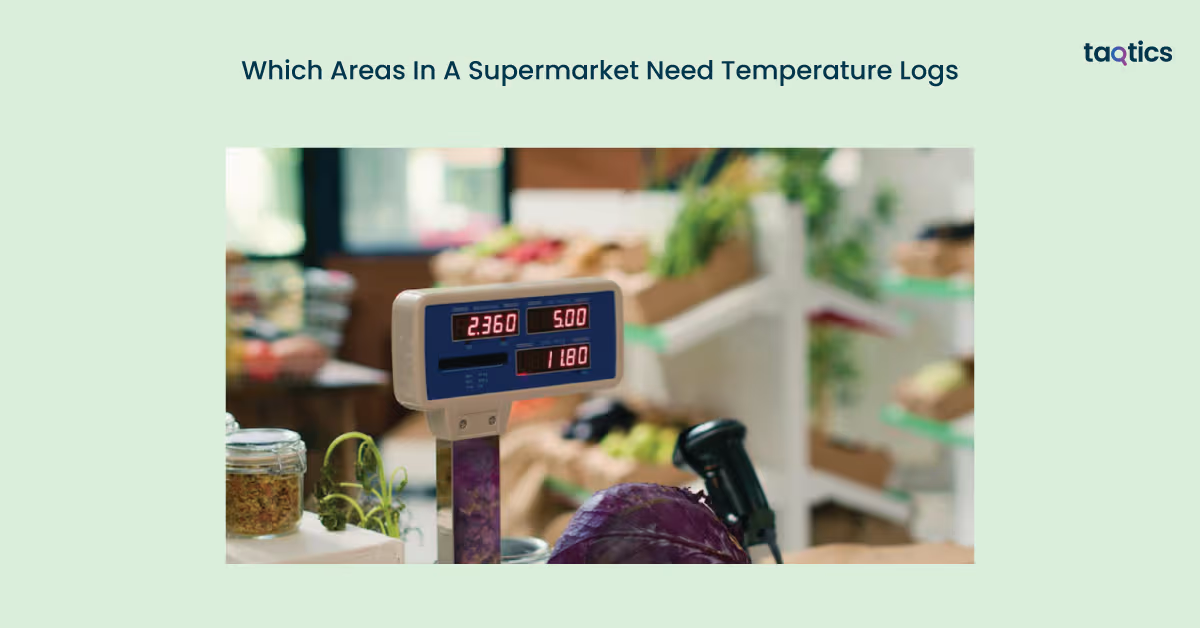
The areas in a supermarket that need temperature logs include all zones where perishable or temperature-sensitive products are stored, handled, or displayed.
- Receiving bay for chilled and frozen deliveries: Temperatures should be checked and logged when deliveries arrive to confirm products were transported within safe ranges before acceptance.
- Walk-in coolers and freezers: These primary storage units require regular temperature logging to ensure consistent cold chain maintenance for bulk inventory.
- Reach-in fridges and freezers (back-of-house): Smaller storage units used by staff must be monitored to ensure they maintain safe temperatures throughout the day.
- Open display cases (front-of-house): Refrigerated display units for dairy, beverages, meat, or frozen foods need frequent checks due to higher exposure and door openings.
- Deli, seafood, and meat preparation coolers: Prep-area refrigeration must be logged to ensure raw and prepared foods remain within safe temperature limits.
- Produce chill rooms for cut or ready-to-eat items: Temperature monitoring is essential for cut fruit, salads, and packaged produce to maintain freshness and safety.
- Hot and cold holding units (if applicable): Prepared food sections with hot holding or cold salad bars require temperature logs to keep items out of the danger zone.
- Transport or inter-store transfer units: If products are moved between stores or from a central kitchen, temperature logs during transport help maintain cold chain integrity.
Logging temperatures across these areas ensures continuous monitoring, quick detection of deviations, and compliance with food safety standards throughout the supermarket.
How Often Should Supermarkets Record Fridge And Freezer Temperatures?
Supermarkets should record fridge and freezer temperatures regularly based on risk level, trading hours, and product sensitivity. While many guidelines recommend a minimum daily check, high-traffic retail environments typically require more frequent monitoring to prevent temperature excursions and product spoilage.
- Minimum baseline (low-risk or small stores): Record temperatures at least once daily for each fridge and freezer. This provides basic compliance and ensures that equipment is functioning within safe ranges.
- Standard retail practice (most supermarkets): Record temperatures two to four times per day, typically at opening, mid-day, and closing. Multiple checks are important because frequent door openings, open display cases, and long trading hours can cause temperature fluctuations.
- High-risk or high-volume operations: In stores with long operating hours, high customer traffic, or sensitive products like meat and dairy, more frequent checks help detect issues quickly and prevent extended exposure to unsafe temperatures.
When using automated data loggers, temperatures are recorded continuously or at short intervals, providing real-time alerts for deviations. In that case, staff can review logs periodically rather than relying only on manual checks.
What Is The Best Way To Take An Accurate Temperature Reading In Supermarket Equipment?
The best way to take an accurate temperature reading in supermarket equipment is to use consistent methods, measure both air and product temperatures when needed, and ensure thermometers are properly calibrated.
- Understand air temperature vs product temperature: Air temperature readings are used for routine monitoring of fridges, freezers, and display cases, while product temperature checks are useful when verifying food safety after a temperature excursion or during receiving of sensitive items.
- Use consistent probe placement: Place the thermometer probe in the center of the unit, away from doors, vents, or fans, to avoid false readings caused by warm air entering or cold air blasts. Use the same location and method each time for consistency.
- Allow temperature to stabilize: Leave the probe in place long enough for the reading to stabilize before recording, especially in large walk-in units or freezers.
- Avoid door-area measurements: Do not take readings near doors or openings where temperatures fluctuate frequently due to door movement.
- Calibrate thermometers regularly: Check and calibrate thermometers weekly or monthly based on store policy to ensure accuracy. Replace or repair faulty devices immediately.
- Document calibration and readings: Maintain a log of calibration checks and temperature readings to create a reliable audit trail for compliance and maintenance reviews.
Using standardized measurement methods and maintaining calibrated equipment ensures reliable temperature monitoring, protects product quality, and supports food safety compliance.
Why Do Supermarket Coolers Sometimes Read Warmer During Defrost Cycles, and How Should You Log It?
Supermarket coolers may sometimes read warmer during defrost cycles because refrigeration systems temporarily pause cooling to melt ice buildup on coils. This short-term temperature rise is normal and usually does not affect product safety if it stays within acceptable limits and for a limited duration.
During a defrost cycle, the air temperature inside the unit can increase briefly, especially near vents or sensors. However, product temperature typically remains stable if the cycle is functioning correctly and doors stay closed. What matters most is how high the temperature rises and how long the rise lasts.
There are five best practices for logging and handling defrost-related temperature changes.
- Confirm product temperature, not just air temperature: If the unit shows a temporary spike, check the internal product temperature to ensure items remain within safe limits.
- Monitor duration of the temperature rise: Short increases during defrost are usually acceptable, but prolonged temperature elevation should be investigated.
- Note the defrost cycle in logs: Record the higher reading and add a comment such as “defrost cycle in progress” to explain the variation.
- Recheck after a set interval: Take another reading after 15–30 minutes (or store SOP timing) to confirm the unit has returned to normal temperature.
- Escalate if temperature does not recover: If temperatures remain high beyond the expected cycle time, notify maintenance or management and move stock if required.
Logging defrost-related temperature changes with clear notes and follow-up checks helps maintain accurate records while ensuring product safety and compliance.
What’s The Difference Between A Temperature Log, A Corrective Action Log, And A Verification Log?
The difference between a temperature log, a corrective action log, and a verification log lies in their role within the monitoring and control process. While one records routine readings, another documents what was done when something went wrong, and the third confirms oversight and compliance.
| Basis | Temperature Log | Corrective Action Log | Verification Log |
| Primary role | Monitoring record | Action record | Oversight record |
| Purpose | To document routine temperature readings | To document actions taken when temperatures are out of range | To confirm monitoring and corrective actions were reviewed |
| What it includes | Date, time, unit ID, temperature reading, staff name | Deviation details, root cause (if known), corrective steps taken, outcome | Manager sign-off, audit notes, review comments, compliance checks |
| When completed | At scheduled intervals (daily or multiple times per day) | Whenever a temperature deviation occurs | Periodically (daily review, weekly/monthly audit) |
| Who maintains it | Store or department staff | The staff and the supervisor manage the incident | Store manager, QA team, or internal auditor |
| Compliance value | Proves routine monitoring | Proves that corrective action was taken | Provides supervision and internal control |
These three logs create a complete compliance trail, showing that temperatures were monitored, deviations were addressed, and management verified that procedures were followed correctly.
What Are Common Mistakes That Cause Supermarkets To Fail Inspections?
The common mistakes that cause supermarkets to fail inspections are usually related to poor documentation, lack of accountability, and weak temperature control practices.
- Missing time stamps or staff initials: Logs without clear dates, times, and responsible staff names fail to prove that monitoring was conducted properly.
- “Pencil-whipping” temperature logs: Copying previous readings instead of taking actual measurements creates false records and is easily flagged during audits.
- No corrective action notes: Recording an out-of-range temperature without documenting what action was taken signals weak control procedures.
- No manager verification or sign-off: Without supervisory review, there is no evidence of oversight or internal control checks.
- Logs not matching equipment IDs: Temperature logs that do not clearly correspond to specific fridges, freezers, or display cases create confusion and reduce traceability.
- No calibration records for thermometers: Failing to document regular calibration undermines the credibility of recorded temperature readings.
- Not logging open display cases separately: Open-front display units often fluctuate more than closed units, and failing to monitor them independently can result in unnoticed temperature excursions.
Avoiding these mistakes through structured logging, proper documentation, and regular verification helps supermarkets maintain compliance, protect food safety, and pass inspections confidently.
How Can Supermarkets Digitize Temperature Checks And Improve Accountability?
Supermarkets can digitize temperature checks and improve accountability by replacing manual paper logs with structured digital workflows that standardize monitoring across departments and stores. Using a retail operations management platform like Taqtics helps ensure that daily temperature and equipment checklists are completed consistently and documented properly.
By digitizing cold chain monitoring with Taqtics, supermarkets move from reactive recordkeeping to proactive compliance management.
- Mobile checklists per department: Temperature logs for walk-in coolers, freezers, deli prep areas, and display cases can be converted into mobile checklists, ensuring every department follows the same structured process.
- Photo proof with time and location stamps: Staff can attach photos of thermometer readings or equipment displays, automatically tagged with timestamps and store location, creating a reliable audit trail.
- Auto-escalations for out-of-range readings: If a temperature falls outside safe limits, the system can automatically notify supervisors or managers, ensuring faster corrective action.
- Centralized dashboard across stores: Management can monitor compliance rates, temperature deviations, and pending tasks across multiple stores from one central dashboard.
- Audit-ready data exports: Digital logs can be exported instantly for health inspections, internal audits, or regulatory reviews, reducing manual paperwork.
- Standardized daily temperature and equipment checklists: Centralized SOP management ensures that every store uses the latest version of temperature monitoring procedures, improving consistency and reducing inspection risk.
Digitizing temperature monitoring and enforcing structured accountability helps supermarkets strengthen food safety controls, reduce inspection failures, and maintain consistent cold chain compliance across all locations.
What Temperature Log Template Can Supermarkets Copy Today?
Supermarkets can use a simple, structured temperature log template that works both on paper and in Excel/Google Sheets. The goal is to make daily recording easy while ensuring compliance, traceability, and quick identification of issues.
Supermarkets can use a simple, structured temperature log template that works both on paper and in Excel/Google Sheets. The goal is to make daily recording easy while ensuring compliance, traceability, and quick identification of issues.
Here’s the Temperature Log Template that you can copy and use.
| Date | Time | Store/Dept | Equipment ID | Equipment Type | Temperature (°C/°F) | Within Range (Y/N) | Staff Initials | Corrective Action (if any) |
| 12 Feb | 9:00 AM | Dairy | CH-01 | Walk-in Chiller | 3°C | Y | SP | — |
| 12 Feb | 1:00 PM | Frozen | FR-02 | Freezer | -14°C | N | RK | Shifted stock, called maintenance |
Must-have fields
- Equipment ID: Unique code for each fridge/freezer/display.
- Within range: Quick Yes/No indicator for compliance.
- Corrective action: Mandatory when temperature is out of range.
- Staff initials/time: Ensures accountability and audit readiness.
Optional but useful columns
Add these if using Excel/Google Sheets or for higher compliance needs:
| Optional Column | Purpose |
| Product temp (if checked) | Confirms actual food safety when air temp fluctuates |
| Supervisor sign-off | Daily/weekly verification |
| Comments | Note defrost cycles, maintenance, or door left open |
| Photo reference | Link to photo stored in drive/app |
| Calibration check date | Tracks thermometer accuracy |
Equipment Register (Master List)
Maintain a separate sheet or page listing all temperature-controlled equipment.
| Equipment ID | Location | Type | Temp Range | Last Service Date | Calibration Due |
| CH-01 | Dairy Backroom | Chiller | 0–5°C | 02 Jan | Monthly |
| FR-02 | Frozen Aisle | Freezer | ≤ -18°C | 10 Jan | Monthly |
This master list ensures every unit is monitored and linked correctly to logs.
Exception Highlighting (for Excel/Sheets)
Use conditional formatting to catch issues instantly:
- Highlight temperatures above 5°C (41°F) for chillers in red.
- Highlight temperatures above -18°C (0°F) for freezers in orange.
- Auto-highlight “Within range = No” rows.
- Highlight missing initials or corrective action fields.
These visual alerts help teams and managers quickly spot risks without scanning every entry.
A structured temperature log template with clear columns, equipment tracking, and exception highlighting helps supermarkets maintain compliance, improve accountability, and stay audit-ready every day.
Which Regulations And Standards Apply To Supermarket Cold Holding And Logs?
Supermarket cold holding and temperature logs are guided by food safety regulations and widely accepted standards that focus on maintaining safe temperatures, documenting monitoring, and proving corrective action.
- FDA Food Code guidance (commonly referenced): Many retail food operations follow principles outlined in the FDA Food Code, which recommends maintaining cold foods at ≤ 5°C / 41°F, monitoring temperatures regularly, and documenting corrective actions when limits are exceeded.
- UK/EU-style food safety record practices: In the UK and similar regulatory environments, supermarkets are expected to maintain documented temperature records for refrigeration and freezing equipment, often with at least daily checks and clear corrective action logs when temperatures deviate.
- HACCP-based food safety systems: Most supermarket cold chain controls are built around HACCP (Hazard Analysis and Critical Control Points) principles:
- Critical limits: Defined safe temperature ranges for chilled and frozen foods.
- Monitoring: Routine logging of temperatures at scheduled intervals.
- Corrective actions: Steps taken when temperatures move outside safe limits.
- Verification: Manager reviews and internal audits to confirm controls work.
- Documentation: Logs that demonstrate compliance and traceability.
- Local health and municipal regulations: Local food safety authorities typically require temperature monitoring records, proof of equipment maintenance, and evidence that expired or temperature-abused products are not sold.
- Audit and inspection expectations: Inspectors usually check that temperature logs are complete, time-stamped, signed, and linked to specific equipment, with documented corrective actions and verification.
By aligning temperature logs with FDA-style guidance, UK/EU recordkeeping practices, and HACCP principles, supermarkets can maintain strong compliance, ensure food safety, and remain inspection-ready at all times.
Can Digital Temperature Logging Replace Paper Logs?
Yes, digital temperature logging can replace paper logs, provided it meets food safety, audit, and traceability requirements.
- Meets compliance requirements: Digital logs are acceptable if they capture time, temperature, equipment ID, staff accountability, and corrective actions, just like paper records.
- Creates a stronger audit trail: Automated timestamps, user tracking, and stored history provide verifiable proof of monitoring and corrective actions, which auditors often prefer over handwritten logs.
- Reduces manual errors and “pencil-whipping”: Automated readings or mandatory digital entries prevent copying old data and ensure real-time recording.
- Enables real-time alerts and escalation: Digital systems can trigger alerts when temperatures go out of range, allowing faster corrective action than paper-based monitoring.
- Supports centralized monitoring across stores: Managers can review compliance and temperature trends across locations without relying on physical log sheets.
- Still requires SOP alignment: Even with digital logging, supermarkets must follow defined monitoring frequency, corrective action procedures, and verification steps under HACCP-based controls.
Digital temperature logging not only replaces paper logs but also improves accuracy, accountability, and compliance, making it the preferred method for modern supermarket cold chain management.
About the Author