POS System Functionality Checks: Definition, Importance & Components
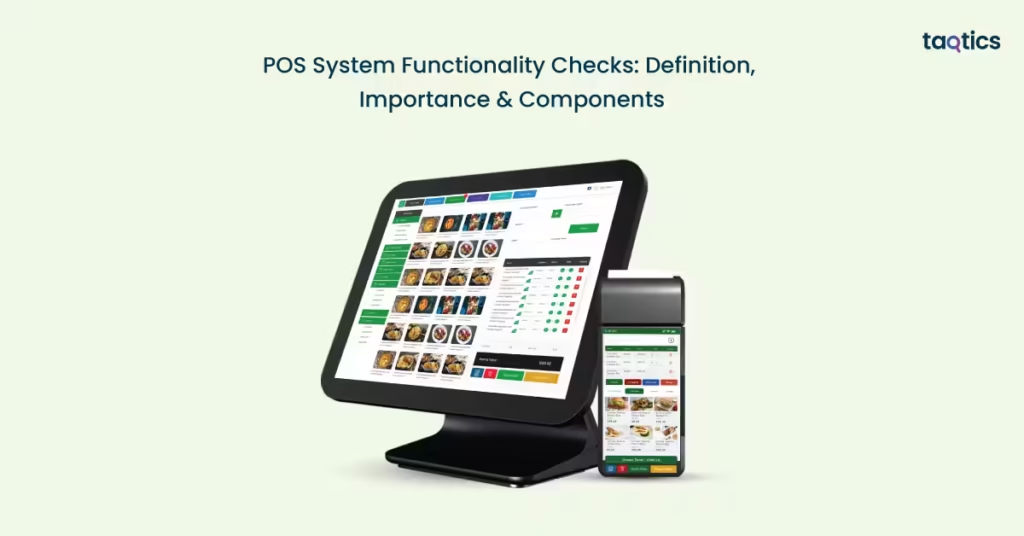
POS system functionality checks are the periodic assessments carried out to ensure that all parts of a Point-of-Sale (POS) system, which include hardware, software, network, payment interfaces, and inventory integration, work as intended. POS system functionality checks help catch issues, such as slow transaction processing, printer or card-reader failures, or data sync problems before they disrupt operations. For instance, imagine a neighborhood grocery store during peak hour. If the barcode scanner or card reader fails, every checkout stalls, customers queue up or leave, hurting sales and customer confidence.
Ensuring regular functionality checks is critical because even short outages or malfunctions can translate into substantial revenue losses. According to the C-Store Technology report on Insight Report: The True Cost of Downtime, 2021, retailers lose $855 per hour on average when their POS goes down, and a full outage might take over 5 hours to reboot, which means a single incident can cost over $4,600 per day. Moreover, an academic study of POS systems emphasized how the seamless integration of hardware, like terminals, card readers, barcode scanners, printers, with software, such as inventory, sales, and payment processing, is both the strength and the vulnerability of a POS, with hardware-software integration testing being indispensable to ensure reliability.
What Is A POS System Functionality Check?
A POS system functionality check is a structured evaluation that ensures every part of the Point-of-Sale system, including hardware, software, payment modules, connectivity, and integrations, is operating smoothly and accurately. It confirms that the POS can process transactions without errors, maintain reliable communication with inventory and accounting systems, and support day-to-day retail or restaurant operations effectively. This makes functionality checks essential for preventing downtime, avoiding billing delays, and ensuring data consistency.
POS functionality checks focus on validating whether all components perform as expected during real-world use. These checks matter because they help:
- Prevent transaction slowdowns and billing interruptions
- Reduce revenue loss caused by technical failures
- Maintain accurate sales and inventory data
- Improve system reliability and reduce unexpected breakdowns
- Support better business decisions with clean, real-time information
Although related, POS audits and functionality checks serve different purposes. While the former involves the evaluation of whether the POS system functions correctly in real time for test scanning, billing, payment processing, hardware health, and software responsiveness, the latter examines records, compliance, and accuracy in pricing consistency, cash management, fraud indicators, and data validation.
Functionality checks play a critical role in ensuring smooth store operations and a positive customer journey by keeping every part of the POS system running efficiently. When the system operates without glitches, stores experience faster and error-free checkout processes, along with consistent payment handling across cash, card, and various digital modes. These checks also help reduce wait times and long queues, leading to a more seamless customer flow.
Why Are Regular POS System Checks Critical For Retail Businesses?
Regular POS system checks are critical for retail businesses because they help maintain smooth, uninterrupted operations and protect both revenue and customer trust.
- Avoiding downtime and transaction issues: Regular checks help detect glitches early, preventing billing delays, payment failures, and system slowdowns that can lead to lost sales and customer dissatisfaction.
- Enhancing staff productivity: When the POS runs smoothly, staff can focus on serving customers instead of troubleshooting devices or waiting for the system to respond.
- Preventing inventory mismatches: Routine checks ensure that every sale, return, and stock adjustment is captured accurately, reducing errors that lead to stockouts, overstocking, or inaccurate purchase decisions.
- Ensuring compliance with financial reporting: Consistent monitoring keeps transaction records accurate and aligned with accounting and tax requirements, helping maintain transparency and preventing reporting discrepancies.
By identifying and resolving issues early, retailers can avoid costly downtime, transaction failures, or slow processing that can frustrate customers and lead to lost sales.
What Are The Key Components To Check In A POS System?
The key components to check in a POS system include core sales transaction checks, functional area checks, and other essential checks.
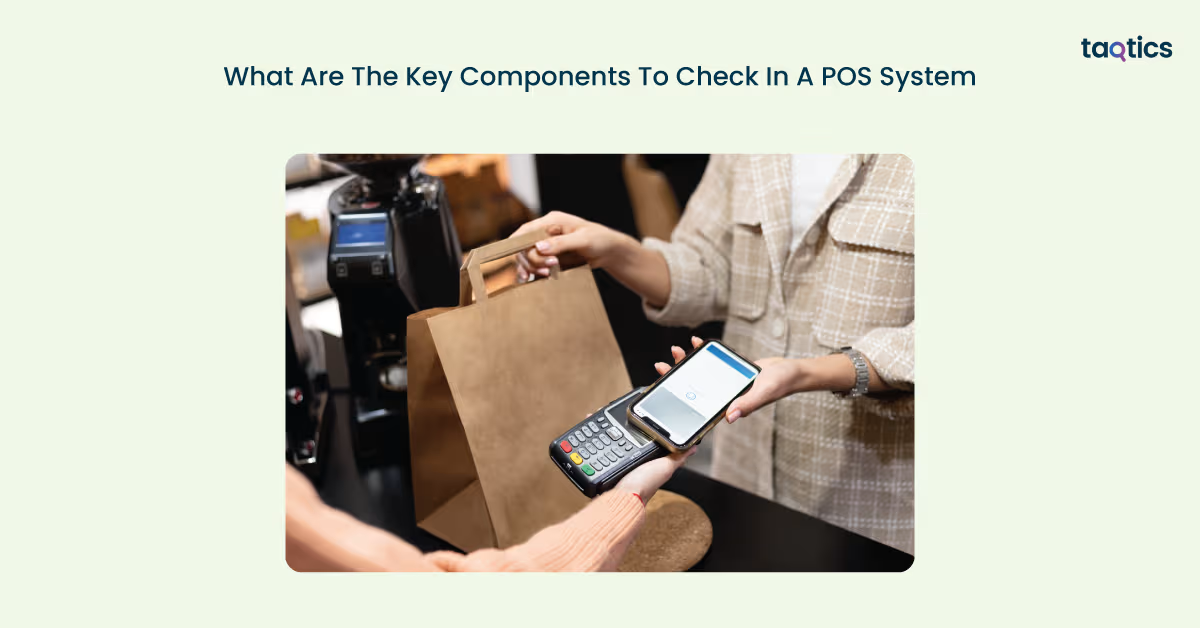
Core Sales Transaction Checks
These checks ensure every customer transaction is accurate, seamless, and error-free, covering the most critical POS operations.
Item lookup and scanning
Check that the POS can quickly and accurately identify products using barcode scanners or manual search. There should be no mismatches, delays, or errors when selecting items, even during peak hours.
Pricing and taxes
Ensure the POS applies the correct product prices, tax rates, and discounts for every transaction type. This includes testing multiple tax slabs, combo offers, coupons, and dynamic pricing scenarios to maintain billing accuracy.
Payment processing
Verify that all payment modes, cards, UPI/mobile wallets, QR codes, and cash work smoothly without failed transactions. The POS should handle partial payments, split payments, and refunds securely and reliably.
Receipt generation
Confirm that each sale produces a clean, accurate receipt that includes pricing, taxes, discounts, payment mode, and store information. Test both printed and digital receipts to ensure proper formatting.
Inventory updates
Check that the POS reduces stock levels immediately after each sale, preventing inconsistencies. Real-time updates should reflect across locations, channels, and reports to maintain accurate inventory control.
Functional Area Checks
These checks focus on broader POS functionalities that support day-to-day business operations beyond basic billing.
Inventory management
Maintaining accurate stock levels is critical for smooth operations. The POS should keep inventory counts updated across all locations, trigger low-stock alerts promptly, and, if available, automatically generate purchase orders or reorder suggestions based on predefined thresholds.
Returns and refunds
The system should allow easy processing of returned items and issuance of refunds or store credit. All returns must reflect correctly in sales records and inventory to prevent discrepancies.
Discounts and promotions
Check that all types of discounts, coupons, promotional offers, and combinations are applied correctly during checkout. This ensures accurate billing and prevents revenue loss due to misapplied promotions.
Customer Management
Customer profiles, purchase histories, loyalty points, and preferences should be tracked accurately. This helps in providing personalized service, rewarding loyal customers, and analyzing buying behavior.
Reporting and analytics
The POS should generate reliable, real-time reports on sales, inventory, staff performance, and finances. Accurate analytics supports better decision-making and helps identify trends or operational issues quickly.
Other Essential Checks
These checks help confirm system reliability, security, and usability in real-world conditions and unexpected scenarios.
Offline mode
Ensure the POS can continue processing sales and transactions even without an internet connection, and that all offline data syncs accurately once connectivity is restored.
Hardware and integrations
Check that the system works seamlessly with all connected hardware, including receipt printers, barcode scanners, cash drawers, weighing scales, and payment terminals. Verify integrations with accounting software, ERP systems, eCommerce platforms, and loyalty programs for smooth data flow.
Security
Confirm that user roles, permissions, password policies, and encryption are correctly implemented to safeguard sensitive business and customer information.
User experience
Ensure the POS interface is intuitive, responsive, and easy to navigate, minimizing staff training time and reducing the likelihood of operational errors.
By checking all key components, businesses can rely on their POS to perform flawlessly every day.
How Can Taqtics Help Automate POS System Functionality Checks?
Taqtics helps automate POS system functionality checks by continuously monitoring key operations and ensuring smooth, error-free performance. Taqtics is a robust automation platform designed to monitor, audit, and optimize business systems, including POS setups. It helps businesses ensure their POS systems are running smoothly, reducing manual checks and minimizing operational risks.
Automated Daily Health Reports
Taqtics can automatically generate daily reports summarizing the POS system’s performance. These reports cover core transaction checks, inventory updates, payment processing accuracy, and more, allowing managers to quickly spot issues.
Real-Time Alerts for System Failures
The software provides instant alerts if any part of the POS system malfunctions—whether it’s payment processing errors, inventory discrepancies, or hardware failures—enabling faster resolution before business operations are impacted.
Custom Checklists and Scheduled Audits
Taqtics allows businesses to create tailored checklists for POS functionality, including core sales transactions, CRM, and reporting. These audits can be scheduled daily, weekly, or monthly, ensuring consistent compliance and reliability.
Integration with Existing POS Systems
Taqtics seamlessly integrates with popular POS systems, leveraging existing data without disrupting operations. This allows automated monitoring across multiple locations and platforms in real-time.
Case Study
Barns Café, a large QSR (quick‑service restaurant) chain with 1000+ outlets, was facing major operational issues, including SOPs and daily audits being done manually on paper, reports and follow-ups being fragmented. There was very limited real‑time visibility across stores as audits, issue‑tracking, and staff compliance checks were unstructured, there were inconsistencies in execution, delayed follow‑ups and unreliable data.
Barns Café adopted Taqtics, which helped by digitizing audits and standardizing store operations across 1000+ outlets, improving compliance with SOPs by 45%. It enabled real-time issue tracking, faster resolution, and centralized visibility, reducing manual errors and ensuring consistent operational performance.
Can I use Taqtics with my current POS?
Yes, Taqtics can be integrated with your existing POS system. It works alongside your current setup by connecting to your POS data, allowing you to automate audits, track transactions, monitor inventory, and receive real-time alerts without disrupting daily operations.
How long does it take to set up Taqtics?
The setup time for Taqtics can range from one to two weeks, depending on the size of your organization and the complexity of the workflows you want to automate. Larger enterprises or multi-location operations may require additional time for customization, staff training, and testing to ensure smooth adoption across all outlets. Once set up, Taqtics runs continuously with minimal manual intervention.
How do POS functionality checks impact customer experience?
POS functionality checks impact customer experience by ensuring smooth, accurate, and fast transactions at every touchpoint. When item scanning, pricing, payments, and receipts work flawlessly, customers face fewer delays or errors. Accurate inventory, seamless returns, and correctly applied discounts enhance trust and satisfaction, while a reliable POS system helps staff serve customers efficiently, creating a positive overall shopping experience.
About the Author