Store Operations: Overview, Functions, 10 Improvement Tips, Common Challenges
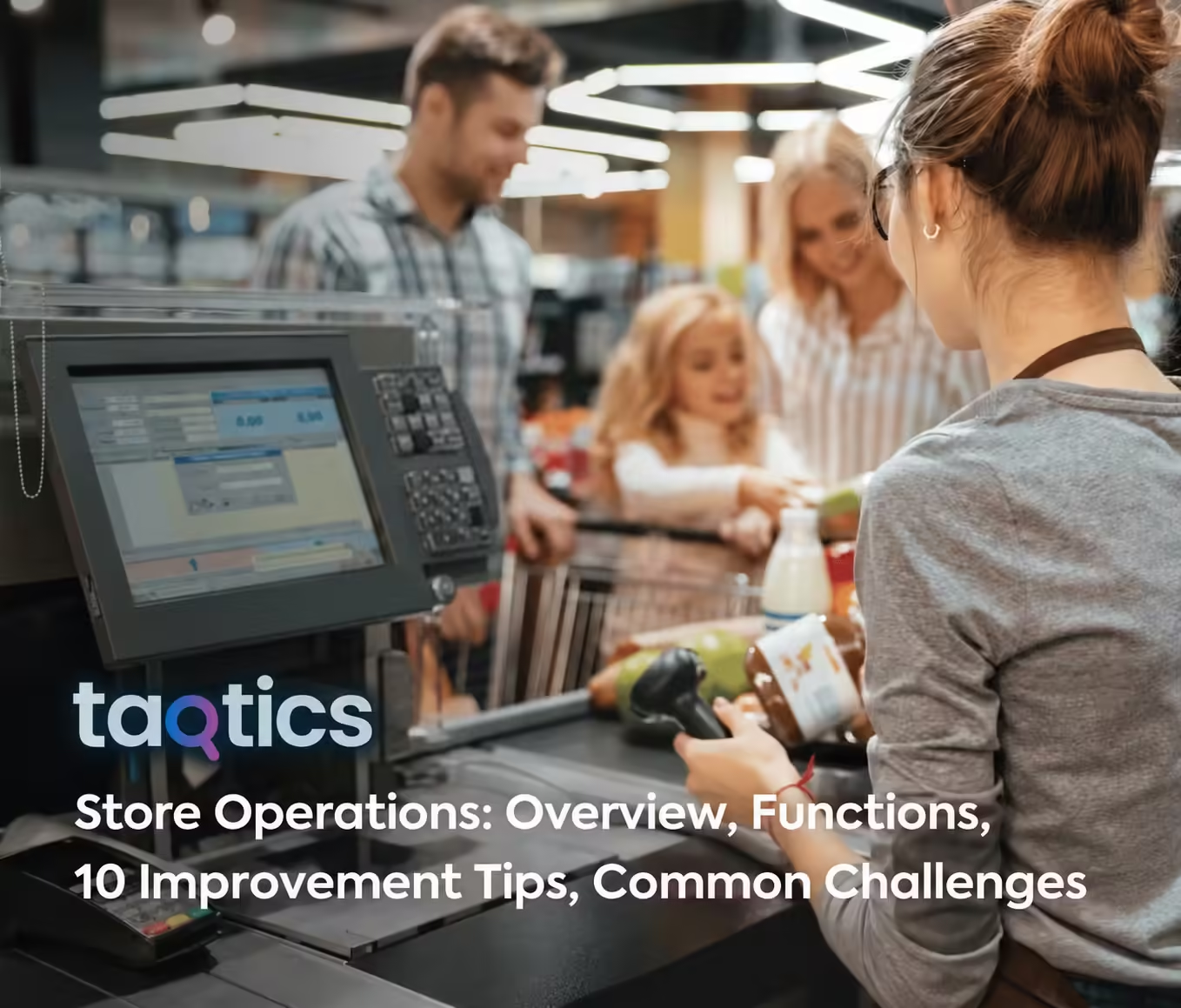
Store operations are the daily activities that keep a retail location ready to serve customers.
They include opening routines, inventory handling, replenishment, customer service, merchandising, employee coordination, checkout, safety, and closing procedures.
For one store, these activities can be managed closely by the store manager. Across dozens or hundreds of locations, consistency becomes much harder.
Strong store operations turn company standards into repeatable action on the shop floor.
This guide explains the core functions of retail store operations, the SOPs stores need, the roles involved, common challenges, key KPIs, and 10 practical ways to improve execution.
What are store operations?
Store operations are the processes and tasks required to run a physical retail store every day.
They cover the work that happens before opening, during trading hours, and after closing.
Examples include:
- opening the store;
- checking store readiness;
- receiving and replenishing stock;
- serving customers;
- maintaining displays;
- handling payments and returns;
- completing safety checks;
- resolving operational issues;
- closing and securing the store.
The goal is to keep the store safe, stocked, compliant, customer-ready, and aligned with brand standards.
Retail operations vs. store operations
Retail operations is the broader business framework. It can include supply chain, buying, merchandising strategy, workforce planning, technology, and coordination across multiple locations.
Store operations is the in-store execution layer.
It focuses on what employees and managers need to complete inside each location every day.
Store operations vs. store management
Store operations describes the work.
Store management describes how that work is planned, assigned, monitored, and improved.
A store manager oversees the operation. Store employees execute many of the individual processes.
8 core functions of retail store operations
1. Store readiness and daily routines
Stores need a consistent start and end to every trading day.
Daily routines can include:
- opening checks;
- cleanliness;
- equipment readiness;
- cash and POS preparation;
- floor readiness;
- shift handovers;
- closing checks;
- security procedures.
For recurring store routines across multiple locations, Retail Task Management Software can help teams assign work, set schedules, and track completion.
2. Inventory and replenishment
Store inventory operations make sure products move from receiving to the shelf accurately and on time.
Key activities include:
- receiving stock;
- stock counting;
- backroom organization;
- shelf replenishment;
- stock rotation;
- damage handling;
- stock discrepancy checks;
- returns.
Inventory systems may show available stock, but store teams still need to make sure the product is physically available where customers expect to find it.
3. Customer service
Customer service is part of daily operations because employees shape the in-store experience.
Store teams should have clear standards for:
- greeting customers;
- product assistance;
- queue management;
- complaints;
- returns and exchanges;
- service recovery.
Managers should also make sure enough employees are available during peak periods.
4. Visual merchandising and promotions
Stores must translate head-office merchandising plans into correct displays.
Operational work includes:
- setting displays;
- following planograms;
- placing promotional signage;
- checking prices;
- maintaining fixtures;
- refreshing seasonal displays.
For visual standards across locations, Visual Merchandising Software can help teams distribute guidelines, collect store proof, and review deviations.
5. Workforce and shift execution
Stores need the right employees available for the work that needs to happen.
Managers coordinate:
- attendance;
- shift responsibilities;
- task allocation;
- break coverage;
- employee training;
- handover between shifts.
Attendance Management Software can help multi-location teams maintain clearer workforce attendance records.
6. Checkout and cash operations
Checkout operations affect speed, accuracy, security, and the final customer interaction.
They include:
- POS readiness;
- cash-float checks;
- price verification;
- discount handling;
- payment processing;
- returns;
- cash reconciliation;
- closing procedures.
Clear SOPs help reduce errors and maintain consistency between employees and shifts.
7. Safety, compliance, and loss prevention
Store teams must protect customers, employees, stock, and company assets.
Routine controls can cover:
- emergency exits;
- fire and life safety;
- trip and slip hazards;
- equipment condition;
- cash controls;
- stock-loss controls;
- security procedures;
- required compliance records.
For formal store reviews, Audit & Inspection Management Software can help teams standardize scoring, evidence, findings, and corrective actions.
8. Omnichannel and order fulfillment
Many physical stores now support orders that begin or end outside the traditional checkout process.
Store operations may include:
- click-and-collect;
- buy online, pick up in store;
- ship-from-store;
- online returns;
- order picking and packing;
- customer pickup handover.
These workflows need clear ownership and accurate store-level inventory.
What SOPs should retail stores have?
A store SOP defines the standard steps employees should follow for a repeatable process.
Useful store-operation SOPs include:
- store opening;
- store closing;
- cash handling;
- returns and refunds;
- stock receiving;
- shelf replenishment;
- stock counts;
- cleaning;
- customer complaints;
- safety incidents;
- emergency procedures;
- promotion changes;
- visual merchandising;
- order fulfillment.
Keep SOPs specific and practical.
Employees should be able to understand what to do, who owns the process, what evidence is required, and what happens when a check fails.
For reusable digital SOPs and checklists, explore Checklist Software.
What should a daily store operations checklist cover?
A daily checklist should focus on activities that affect store readiness, customers, safety, and closing control.
Before opening
- entrance and storefront ready;
- sales floor clean;
- required lights and equipment working;
- priority shelves replenished;
- promotions and prices correct;
- cash and checkout ready;
- staff present and assigned;
- critical safety checks complete.
During the day
- replenish shelves;
- maintain cleanliness;
- monitor queues;
- check priority displays;
- resolve customer or maintenance issues;
- complete scheduled store tasks.
Before closing
- complete final recovery and cleaning;
- secure stock and sensitive areas;
- complete cash controls;
- record unresolved issues;
- complete handover notes;
- check doors, alarms, and closing security.
Who is responsible for store operations?
Store operations involve several roles.
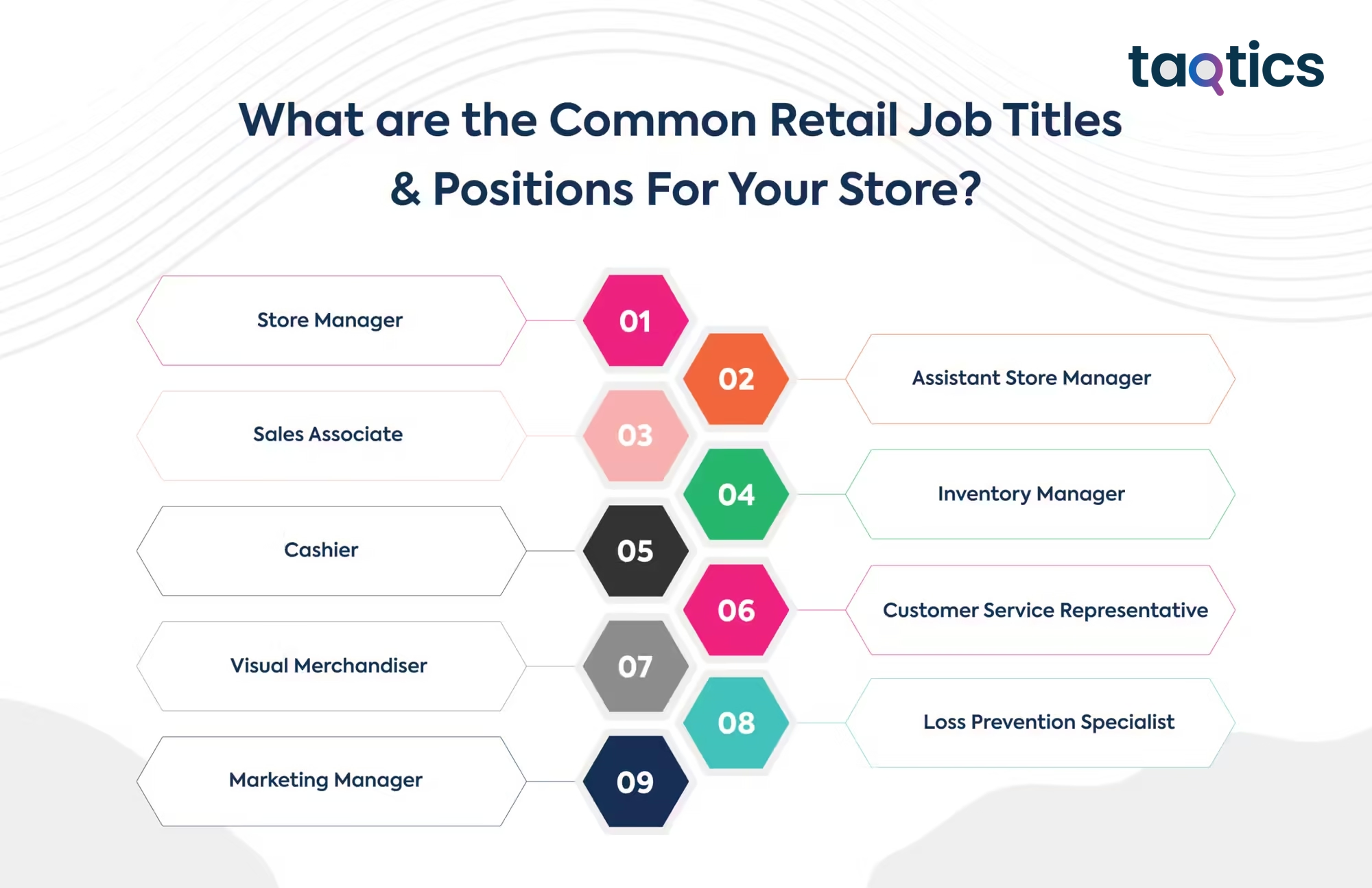
Store manager
Owns overall store performance, employees, standards, customer experience, and daily execution.
Assistant store manager
Supports store leadership, supervises shifts, and helps maintain operational standards.
Sales associates
Serve customers, replenish products, maintain the floor, and complete assigned operational tasks.
Inventory or stock team
Handles receiving, stock movement, counts, backroom organization, and replenishment.
Cashiers and customer-service teams
Manage transactions, returns, customer inquiries, and checkout accuracy.
Visual merchandiser
Supports displays, layouts, campaigns, signage, and visual brand standards.
Loss-prevention or security team
Supports shrink control, store security, and asset protection.
The exact role structure depends on the store format and size.
10 ways to improve store operations
1. Standardize recurring processes
Start with the activities that happen in every store repeatedly.
Define one clear standard for opening, closing, replenishment, cleaning, safety, cash controls, and other critical routines.
2. Simplify unnecessary steps
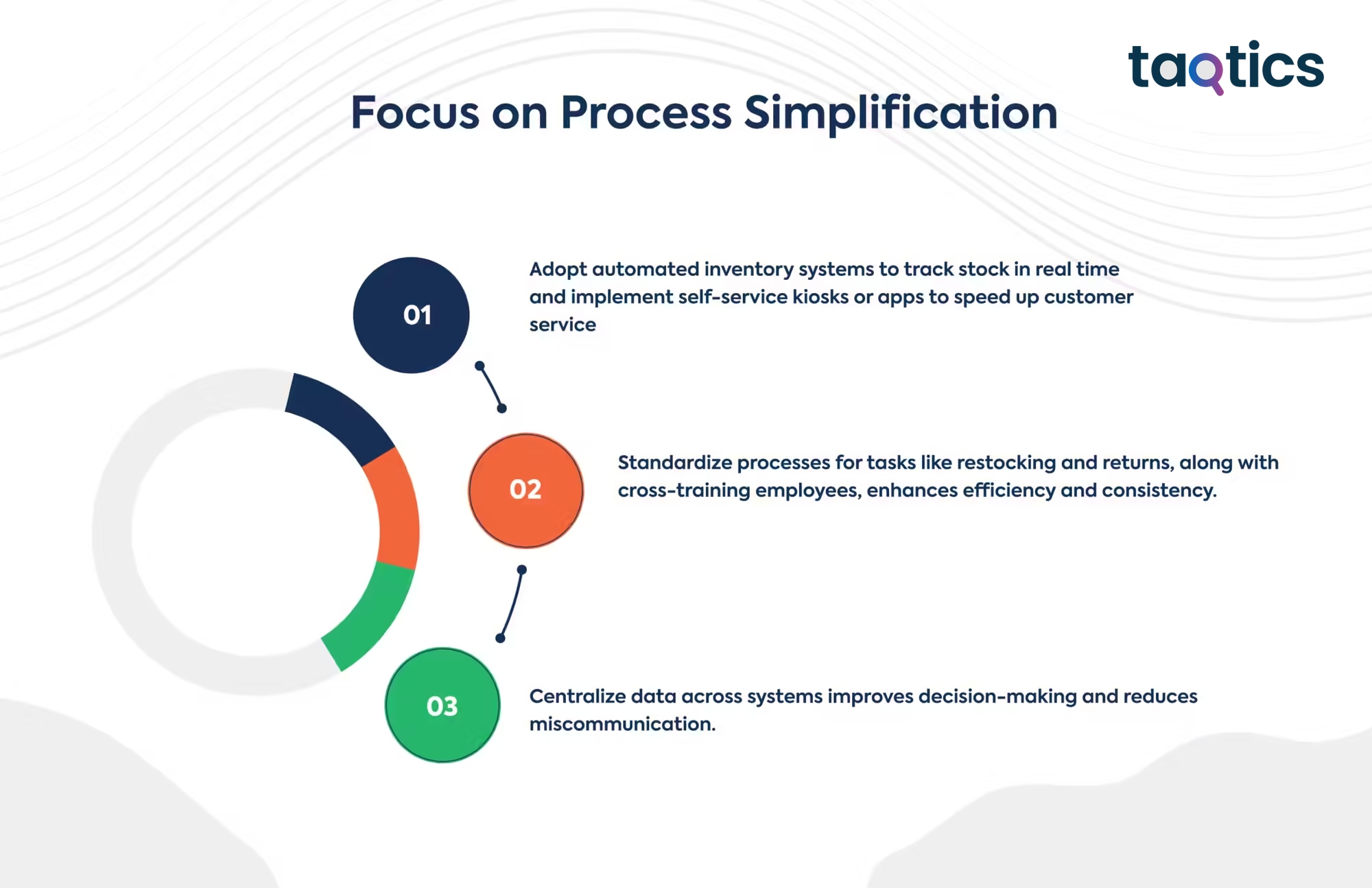
Review store workflows for duplicated checks, repeated data entry, unclear handoffs, and unnecessary approvals.
Remove steps that do not reduce risk or improve the outcome.
3. Give every task an owner
A task without ownership is easy to miss.
Assign work by employee, role, shift, or location. Add deadlines when timing matters.
4. Train employees in the flow of work
Do not rely only on onboarding.
Give employees access to short SOPs, images, videos, and instructions when they need to complete the task.
Training & Knowledge can help central teams distribute operational learning across locations.
5. Improve store communication
Store teams need one reliable source for operational updates.
Avoid important instructions getting buried across email and informal chat groups.
Communication Management Software can help teams organize store-to-HQ updates and operational announcements.
6. Use evidence for critical work
Completion does not always prove correct execution.
Use photos, comments, signatures, or other evidence where the result matters.
7. Turn failures into corrective actions
When a check fails, define what needs to change.
Assign an owner and due date, then verify closure.
For structured follow-up, Issue Tracking can help teams manage operational exceptions through closure.
8. Track exceptions, not only averages
Network averages can hide poor store-level execution.
Look for locations with missed tasks, low audit scores, overdue issues, repeat failures, or other exceptions.
9. Connect commercial and operational data
Sales results show what happened.
Operational data can help explain why.
For example, weak conversion may appear alongside poor stock availability, missed VM execution, long queues, or understaffing.
10. Review and improve continuously
Store operations change as formats, products, customer expectations, technology, and risks change.
Review recurring failures and update the process when the same problem keeps returning.
Common store operations challenges
Inconsistent execution across stores
Different locations may interpret the same process differently.
Use standardized SOPs, clear ownership, evidence, and regular reviews.
Stockouts and shelf availability gaps
System inventory does not guarantee that products are available to customers.
Include store-level replenishment and shelf checks in daily routines.
Staff shortages and turnover
Short staffing can affect service, replenishment, cleanliness, and task completion.
Prioritize critical work and cross-train employees where appropriate.
Poor communication
Store teams can miss instructions when information arrives through too many channels.
Centralize operational communication and make priorities clear.
Manual reporting
Paper forms and spreadsheets create delays and extra follow-up.
Digitize recurring processes where real-time visibility or proof matters.
Unresolved issues
Maintenance, safety, customer, and execution issues can become repeat problems when no one owns closure.
Use clear escalation rules and follow-up.
Omnichannel complexity
Pickup, online returns, and ship-from-store workflows add new responsibilities to the physical store.
Define the process and protect employee capacity for both in-store customers and digital orders.
Which KPIs should store operations teams track?
Use a mix of commercial and operational KPIs.
| KPI | What it shows |
|---|---|
| Task completion rate | Whether scheduled store work is completed |
| On-time completion | Whether work is completed when required |
| Audit score | Compliance with defined store standards |
| Open and overdue actions | How quickly stores correct identified gaps |
| Repeat non-compliance | Which problems continue to return |
| Stockout or availability rate | Whether customers can find required products |
| Conversion rate | How effectively visits become purchases |
| Customer satisfaction | How customers experience the store |
| Shrinkage | Inventory loss and control effectiveness |
| Attendance | Workforce availability |
Do not track every available metric. Choose KPIs that help teams identify a problem and act on it.
What is retail store operations software?
Store operations software helps retailers coordinate recurring work across physical locations.
Unlike a POS or inventory system, store-operations software focuses on how frontline processes get executed.
Useful capabilities include:
- tasks and checklists;
- SOPs;
- mobile execution;
- photo and evidence capture;
- audits;
- corrective actions;
- visual merchandising;
- training;
- communication;
- attendance;
- store and regional dashboards.
For multi-location retailers, Taqtics Retail Management Software helps central and store teams manage recurring execution, audits, issues, visual merchandising, communication, training, attendance, and operational visibility across locations.
Store operations FAQs
What are store operations?
Store operations are the daily processes required to keep a retail location ready, stocked, safe, compliant, and able to serve customers. They include inventory, employee tasks, merchandising, customer service, checkout, safety, and closing routines.
What is the difference between retail operations and store operations?
Retail operations covers the wider retail business, including multiple stores, supply chain, workforce, systems, and corporate standards. Store operations focuses on daily execution inside an individual location.
What is an SOP for store operations?
A store-operations SOP is a standard set of steps employees follow for a repeatable process such as opening, closing, replenishment, cash handling, cleaning, returns, or safety checks.
What should a daily store operations checklist include?
A daily checklist can cover opening readiness, cleanliness, stock availability, promotions, checkout, staffing, safety, replenishment, customer-service checks, cash controls, and closing security.
How can retailers improve store operations?
Standardize processes, simplify unnecessary steps, assign clear ownership, train employees, improve communication, capture evidence, manage corrective actions, monitor exceptions, and review performance regularly.
Which KPIs measure store operations?
Useful KPIs include task completion, on-time completion, audit scores, open actions, repeat failures, stock availability, conversion, customer satisfaction, shrinkage, and attendance.
What is store operations software?
Store operations software helps retailers manage frontline processes such as tasks, checklists, SOPs, audits, issues, visual merchandising, communication, training, and reporting across locations.
Conclusion
Strong store operations turn retail standards into consistent action.
Define clear SOPs. Give every task an owner. Train employees. Track critical work. Capture evidence where it matters. Correct failures quickly. Then use store-level data to improve the process.
For multi-location retailers, Taqtics Retail Management Software helps teams standardize and monitor daily execution across stores without relying on scattered spreadsheets, paper checklists, and manual follow-up.
About the Author