NEW Introducing TimeShift - AI-powered shift planning
GoAudits vs Taqtics

Two Audit Platforms. Different Purposes. One Clear Choice for Multi-Location Brands.

GoAudits helps organisations digitise audits and inspections. Taqtics connects audits with the locations, store teams and operational workflows that need to act on the results.

Built for retail and restaurants Location-based operating model Guided onboarding

GoAudits

Audit-first
Audit templates and digital forms
Auditors and scheduled inspections
Findings and corrective actions
Audit reports and dashboards
VS

Taqtics

Location-first
Locations, regions and hierarchy
Store teams, departments and roles
Audits, SOPs, issues, VM and assets
Operational visibility and improvement
GoAudits organises work around inspections. Taqtics organises inspections around the store network.
The Core Difference

The Difference in One Line

GoAudits is centred around audit execution, auditors and forms. Taqtics is centred around locations and everything happening inside them.

Where Both Platforms Are Strong

Both Platforms Digitise Audits. The Difference Is What Comes Next.

Both platforms can create digital audit forms, capture evidence, apply scoring, assign corrective actions and generate reports. The meaningful difference is how those audits connect with the wider organisation.

Digital Audits
Photo Evidence
Scoring
Corrective Actions
Reports
Feature-by-Feature Comparison

Compare How Each Platform Handles Multi-Location Operations

The table focuses on differences that affect administration, accountability, frontline adoption and operational scale.

Capability
GoAudits
Taqtics
Primary design
Centred around audits, auditors, inspection forms and completed audit records.
Centred around locations, store hierarchy and operational execution.
Best suited for
Audit teams and organisations where inspections are the primary requirement.
Retail and restaurant brands managing many locations and store users.
Audits and inspections
Configurable audit forms are created, scheduled and assigned to auditors across sites.
Audits are deployed within a location-based hierarchy of stores, departments, roles and employees.
Corrective actions
Corrective actions are assigned to selected users or user groups configured for the audit form.
Actions are routed by job title or department responsible for that exact location. The current role holder receives the action automatically.
Issue management
Mainly connected to audit findings, follow-up actions and inspection workflows.
Standalone issue ticketing plus audit corrective actions, routed by category, department and location.
Visual merchandising
Uses regular checklist or audit forms to inspect displays, capture photographs and record findings.
Dedicated VM module for campaign rollout, visual review, comparison reports, corrections and AI image analysis.
Asset management
Equipment and asset condition can be inspected and tracked through forms.
Dedicated asset register, maintenance workflows, movement, ownership, warranty and lifecycle history.
Frontline access
Regular audit users are licensed through paid user seats.
Store-team access is structured around the licensed locations and operating hierarchy.
Pricing model
Public plans are priced per paid user per month.
Generally priced according to the number of licensed locations.
Reporting and analytics
Audit reports, inspection dashboards and site-level trends.
Audit reports, operational dashboards, visual reports and custom BI dashboards.

Comparison is based on publicly available GoAudits information and Taqtics product capabilities. Features and pricing may change.

See Taqtics in Action

Product Walkthroughs and Customer Stories

Watch short demonstrations of the core platform, followed by real examples from retail and restaurant teams using Taqtics.

Core Product Walkthroughs

See how Taqtics handles audits, recurring store checks and everyday issue resolution.

3 product videos
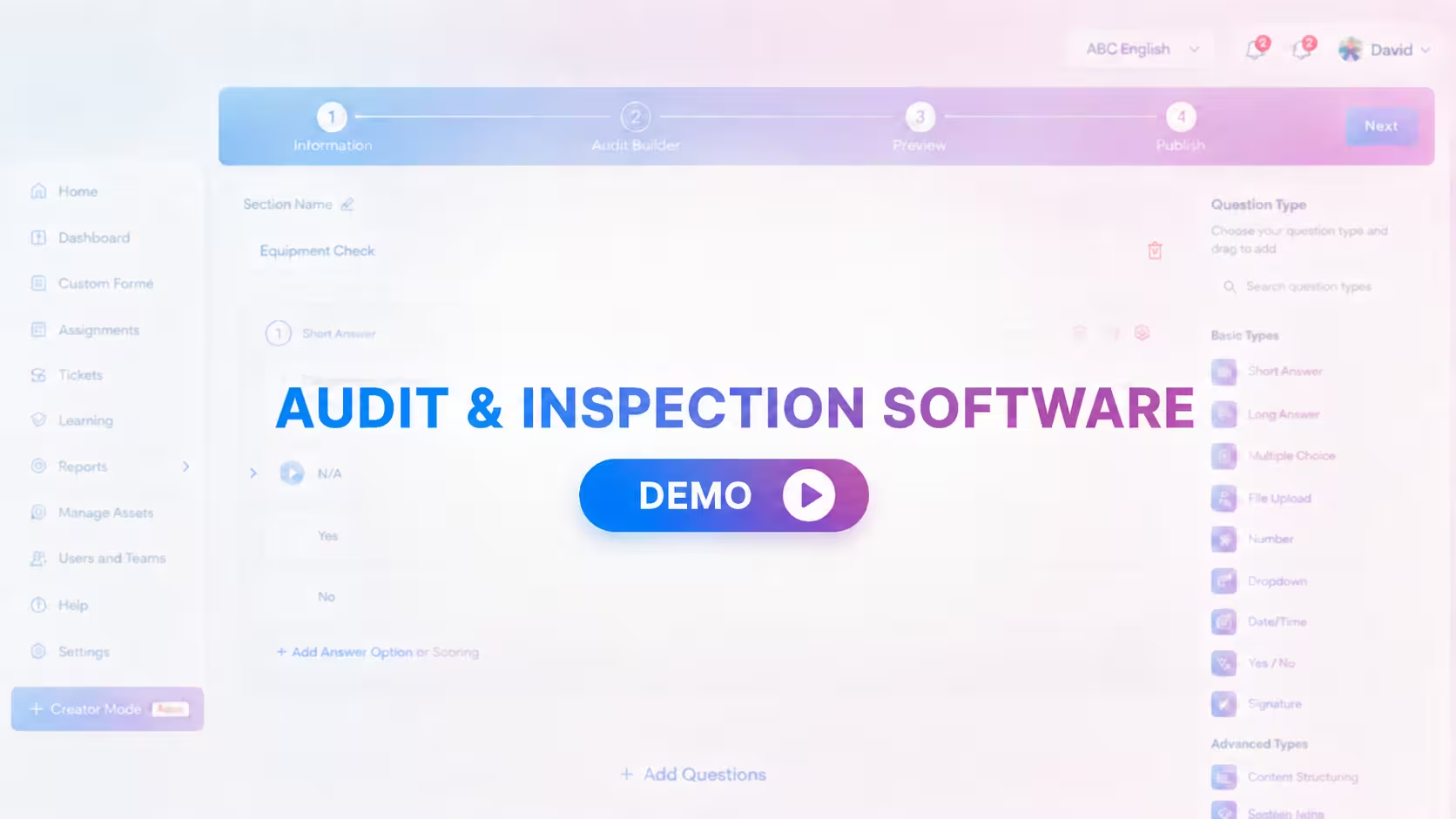
Taqtics Audits product walkthrough thumbnail Product walkthrough

Audits and Inspections

Configure, conduct, review and close audit findings.

Watch
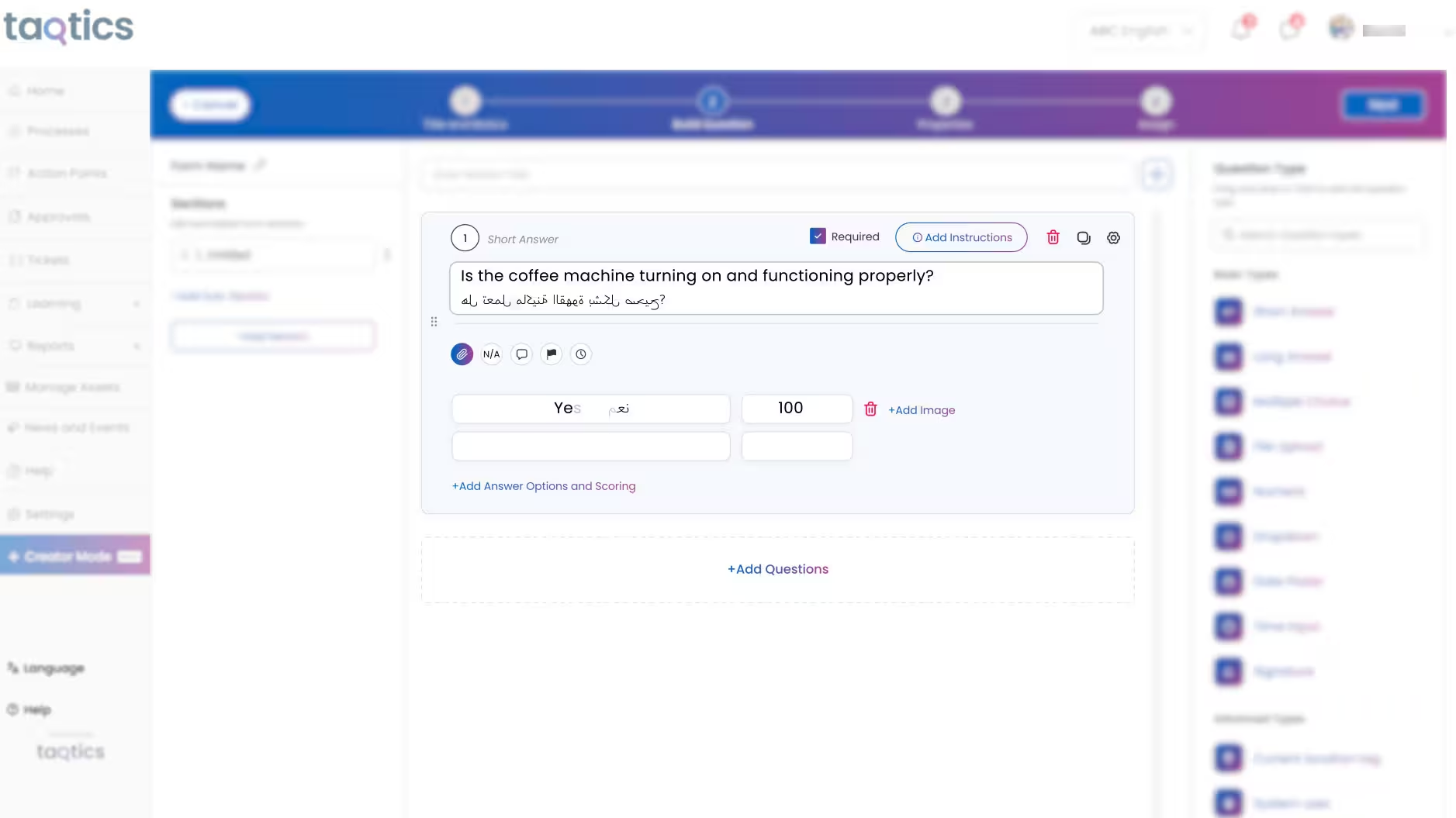
Taqtics SOP Checklists product walkthrough thumbnail Product walkthrough

SOP Checklists and Forms

Turn daily store routines into trackable execution.

Watch
Taqtics Issue Tracking product walkthrough thumbnail Product walkthrough

Issue Tracking

Route, escalate and resolve store issues faster.

Watch

Customer Stories

Hear how multi-location brands use Taqtics to improve visibility, consistency and operational accountability.

3 customer videos
Kisna Jewellers Taqtics customer story thumbnail Customer story

Kisna Jewellers

Improving visibility across a growing jewellery network.

Watch
Starbucks Indonesia Taqtics customer story thumbnail Customer story

Starbucks Indonesia

Driving operational excellence across a large network.

Watch
PizzaExpress Taqtics customer story thumbnail Customer story

PizzaExpress

Standardising execution and making reporting faster.

Watch
Beyond Periodic Audits

One Operating System for Everything Happening Across Your Stores

Retail and restaurant operations require daily execution, not only periodic inspections.

Opening and Closing
Food Safety and Hygiene
Temperature Checks
Stock and Expiry
Visual Merchandising
Maintenance Requests
Employee Training
Licence Renewals
Roster and Attendance
Head-Office Communication
Taqtics connects all these workflows with the same stores, departments, roles and management hierarchy used for audits.
9,000+ Stores
200+ Brands
19 Countries
One Platform For audits and daily operations
Which Platform Fits You?

Choose Based on How Your Business Operates

Both platforms are capable. The right choice depends on whether your requirement ends with audits or extends into daily multi-location execution.

GoAudits is a strong fit when:

  • Audits and inspections are the primary requirement.
  • A defined audit team conducts most inspections.
  • The platform must support different industries.
  • Daily operations are handled through other systems.

Taqtics is a strong fit when:

  • You manage many retail or restaurant locations.
  • Store employees use the platform every day.
  • Work must follow locations, departments, roles and hierarchy.
  • Audits must connect with SOPs, issues, VM, assets and training.
Frequently Asked Questions

Common Questions About GoAudits and Taqtics

Yes. Both platforms support digital audits, inspections, evidence capture, reports and corrective actions. Taqtics is especially suited to retail and restaurant organisations that also need daily checklists, issue ticketing, visual merchandising, assets and other store workflows.

Yes. GoAudits supports multiple sites and site-based inspections. The distinction is that Taqtics uses locations, departments, job roles and operating hierarchy as the foundation for the wider platform.

GoAudits publicly lists plans priced per paid user. Taqtics generally follows a location-based model. The commercial impact depends on how many employees need regular access and how broadly the platform will be used.

Yes. Both support corrective actions. Taqtics can additionally route actions using the location, department, job title, issue category and escalation structure responsible for resolving the finding.

Yes. Taqtics includes a dedicated visual-merchandising workflow for sharing campaign guidelines, collecting store execution images, reviewing compliance, creating corrective actions and producing visual reports.

Existing audit and checklist formats can be reviewed and configured inside Taqtics as part of the onboarding process. Locations, users, hierarchy, reports and action-routing rules can also be set up before rollout.

Compare Using Your Own Operations

See How Taqtics Would Work Across Your Locations

Share your locations, one audit format and one daily store process. We will show how the workflows can be configured inside a location-based Taqtics environment.