Frontlyne vs Taqtics

Comparing Frontlyne? See Where Taqtics Goes Deeper on Store Execution.

Frontlyne and Taqtics both combine learning, audits, checklists, ticketing and frontline workflows. Frontlyne goes deepest on learning, training and employee development. Taqtics goes deepest on audit logic, automatic corrective actions, visual merchandising and location-wide accountability.

  • Weighted, conditional, negative and critical-failure audit scoring.
  • Failed checks routed to the job title at that store, and closed by unlimited lite users*.
  • Brand-specific audit reports and BI, plus AI VM review with human validation.
Book a Frontlyne Comparison Demo
Built for retail and restaurants Location-based pricing Dedicated account manager

Frontlyne

Learning + frontline workforce
Self-learning, training, assessments and certifications
Rewards, leaderboards and career progression
SOP forms, audits, checklists and task workflows
Ticketing, VM and operational visibility
VS

Taqtics

Multi-location operations
Locations, hierarchy, roles and departments
Advanced audits, SOPs and automatic action points
Dedicated VM execution and visual reporting
Issues, assets, learning and custom BI
Frontlyne goes deepest in frontline learning and employee development. Taqtics goes deepest in operational execution, audit governance and store-wide accountability.
9,000+ Stores
200+ Brands
19 Countries
Per Location Simple, predictable pricing
Trusted by teams at Starbucks Indonesia PizzaExpress Kisna Jewellers Solitario Optica
The Core Difference

Two Broad Platforms. Different Areas of Depth.

Frontlyne is especially strong in training, learning, assessments, rewards and career development. Taqtics is especially strong where brands need sophisticated audits, automatic resolution, dedicated VM execution and operational control across every location.

Where Both Platforms Overlap

Both Go Beyond a Traditional LMS or Checklist Tool

Both platforms support multi-location frontline teams and combine workflows you would otherwise run in separate systems. So compare the depth of each workflow, not the number of modules.

Training
Audits and SOPs
Actions and Tasks
Issue Tracking
Visual Merchandising
Feature-by-Feature Comparison

Frontlyne vs Taqtics: The Workflows That Affect Store Execution

The biggest differences show up in audit configuration, corrective-action automation, reporting, VM review and how widely your organisation can take part.

Capability
Frontlyne
Taqtics
Primary strength
Deep learning, training, assessment, gamification and career-development capabilities.
Deep operational execution across audits, checklists, issues, corrective actions, VM and assets.
Different depth
LMS and learning
Extensive LMS with self-learning, ILT, assessments, certifications, quizzes, badges, points, leaderboards, rewards and career progression.
Knowledge Centre with SOPs, courses, videos, assessments, learning journeys and role-based training. Less gamification-heavy.
Frontlyne strength
Audit and checklist setup
SOP forms are configured and assigned by store and user combinations. Audits and recurring checks share the same form framework.
Dedicated audit and checklist workflows mapped to location, region, department, designation and hierarchy.
Taqtics advantage
Audit scoring
In the evaluated setup, questions carry positive or negative scores. Complex conditional scoring was not available.
Full, partial, zero and negative scores, question weightage, section scoring and conditional scoring logic.
Taqtics advantage
Critical failure logic
Critical-failure configuration was not available in the evaluated audit setup.
Any configured answer or condition can fail an audit, whatever the overall numeric score.
Taqtics advantage
Audit corrective actions
Supports escalations and action plans. Current product materials also describe failed checks creating assigned tickets with deadlines.
Action points fully preconfigured against the failed question and routed to the responsible job title at that exact location.
Taqtics advantage
Resolution routing
Resolution follows the users, teams and action workflow configured in the implementation.
The auditor doesn't need to know who fixes the issue. Location and job-title mapping finds the resolver automatically.
Taqtics advantage
Issue ticketing
Category, location and priority-based routing, escalation and closure tracking, per current product materials.
Category, location, job title, hierarchy and SLA route tickets to whoever is responsible now, including lite users.
Goes deeper
Resolution-team access
Operational ownership is built around provisioned Frontlyne users.
Unlimited lite users* let technicians, vendors and contractors close the action points sent to them.
Taqtics advantage
Audit reports
Separate report templates in the evaluated environment, such as Overview, Compliance, Action Plan, Submission and Question Response.
One report configured around your sections, scores, observations, action points, photos and management summary.
Taqtics advantage
Reporting flexibility
Largely template-led in the evaluated setup, with individual reports chosen for each view.
Custom audit reports, operational dashboards and BI built around each brand's metrics and format.
Taqtics advantage
Visual merchandising
VM checklists, photo submissions, AI evaluation and compliance dashboards.
Dedicated VM campaign workflow with reference and execution images, visual review, corrections and presentation-ready reports.
Both strong
AI VM review
Markets direct AI approval of compliant images and automatic flagging of non-compliance based on thresholds.
AI identifies likely deviations, and a human reviewer can validate AI flags before escalations are created.
Different approach
AI review configuration
Reference images and standards drive photo evaluation, with limited room to build highly specific review logic in the evaluated setup.
Image review configured around the attributes and exceptions that matter to your VM process.
Taqtics advantage
User scalability
Access and workflow ownership depend on users provisioned in Frontlyne.
Location-based pricing allows broad participation without charging for every operational user.
Easier to scale
Frontlyne capabilities combine current public product information with hands-on evaluation observations from this comparison. Behaviour may vary by configuration, contract or product version, so validate it during a trial. *Unlimited lite users are available for brands with 50+ stores.

Test these differences on your own audit

Share one audit, one recurring checklist and your location hierarchy. We'll show the scoring, routing, escalation and report live.

The Taqtics Edge

Six Things Taqtics Does That Typical Store-Ops Platforms Don't

Other tools record problems. Taqtics gets them fixed, by the right person, without anyone at HQ lifting a finger.

Truly automated action points

Typical platformsThe task is auto-created, then assigned and chased by hand from HQ.
TaqticsRouted to the job title at that store, fixed by unlimited lite users*, escalated and verified automatically.
Lite users see only their fixes

Knows off days and late closings

Typical platformsAn off day shows up as a missed day, and a 2 AM closing lands on the next date.
TaqticsOff days and holidays are excluded, and late closings count for the right business day.
4 Fridays off: 87% elsewhere, 100% in Taqtics

Easy to run, low admin

Typical platformsSupport tickets and workflow edits for every staff or vendor change.
TaqticsChanges take minutes, and every customer gets a dedicated account manager at no extra cost.
New stores and checklists live the same day

Root-cause analysis, built in

Typical platformsThe task is closed, but the cause stays unknown.
TaqticsAn RCA questionnaire is attached automatically to every action point.
Spot repeat causes across stores

Connects operations to sales

Typical platformsOperations data sits on its own.
TaqticsPOS, ERP, inventory and CSAT data next to store execution, through any API.
Does hygiene compliance lift CSAT?

Asset registry for everything

Typical platformsEquipment, stock and licences tracked in spreadsheets.
TaqticsAssets, stock, vendors and licences linked to checklists and action points.
FSSAI and HACCP renewals on autopilot

Tasks follow the role, not the person

Taqtics maps your organisation by job title, department and location. When someone leaves, nothing breaks. No checklist edits, no shared logins, no support tickets.

Tuesday Ahmed leaves Maintenance Technician, Dubai. 42 tasks scheduled.
Wednesday Ravi joins Added with the same job title and the same location.
Instantly 42 tasks inherited 0 checklists edited. 0 support tickets.
Where Operations Teams See the Difference

Four Differences That Matter After the Checklist Is Submitted

The real value of an operations platform shows after non-compliance is found: how the score is calculated, who gets the action, how management sees it and how fast it is fixed.

Audit scoring depth

Simple positive and negative scores work for basic audits. Complex standards need one answer to influence another question, a section or the whole audit result.

Frontlyne Positive and negative scoring in the evaluated setup.
Taqtics Partial, negative, weighted, critical and conditional scoring.

Finding-to-resolution automation

The best workflow lets the auditor simply find the problem. The platform already knows the action, who owns it at that location and when it must be done.

Frontlyne Audit escalation, action plans and ticket workflows.
Taqtics Preconfigured action, plus job title, location and SLA.

Reporting flexibility

Leaders shouldn't switch between report templates to understand one audit. Score, observations, actions, images and summary should sit together.

Frontlyne Several predefined report types in the evaluated environment.
Taqtics Brand-specific report layouts and custom BI dashboards.

How AI non-compliance becomes an action

AI is great for screening thousands of execution images, but subjective VM deviations can create false positives. Operations teams need control over when an AI flag becomes an escalation.

Frontlyne Automatic approve-or-flag review based on thresholds.
Taqtics AI flags can pass through human validation first.
Reports That Understand Stores

Is Your Compliance Report Punishing Stores for Being Closed?

Most platforms count off days and holidays as missed submissions, and log a 2 AM closing check against the next day. Pick your store pattern to see the difference.

Closing checks are completed just before closing.
Example assumes a 30-day month and a store that completes every opening and closing check on every working day.

Typical platform report

0%
Reported compliance
  • 0 days shown as missed
  • 0 closing checks on the wrong date
  • Managers adjust the numbers by hand

Taqtics report

100%
Reported compliance
  • Off days and holidays excluded
  • Closing checks counted for the right business day
  • Reports ready with no manual fixes

See your own stores' real compliance in a Taqtics dashboard.

Book a Reports Demo
Where Each Platform Stands Out

The Better Choice Depends on What You Need to Go Deepest

Frontlyne has real strengths, especially for L&D-heavy organisations. Taqtics stands apart when store execution and operational governance are the main requirement.

Frontlyne stands out for frontline learning

Its product gives real prominence to learning, employee development, gamification and career progression.

  • Self-paced microlearning Mobile-first courses, bite-sized lessons and learning nudges.
  • Instructor-led training Sessions, attendance, pre and post assessments and certification.
  • Gamification and rewards Points, badges, leaderboards and redeemable rewards.
  • Career progression Role paths, skills, certifications and promotion readiness.
  • Learning-focused AI Knowledge AI, adaptive learning and AI role-play.

Taqtics stands out for operational execution

Taqtics is strongest when standards need to be executed, verified, corrected and measured across a large store network.

  • Advanced audit logic Weighted, conditional, negative and critical-failure scoring.
  • Automatic corrective actions Preconfigure the action, resolver, deadline and escalation.
  • Dedicated VM execution Campaigns, visual reviews, corrections and image-led reports.
  • Broad operational participation Store teams plus vendors, maintenance and contractors as lite users*.
  • Custom operational intelligence Reports and dashboards built around each brand's KPIs.
See Taqtics in Action

Product Walkthroughs and Customer Stories

Short demos of the core platform, followed by real stories from retail and restaurant teams that use Taqtics every day.

Core Product Walkthroughs

See how Taqtics handles audits, recurring store checks and everyday issue resolution.

3 product videos
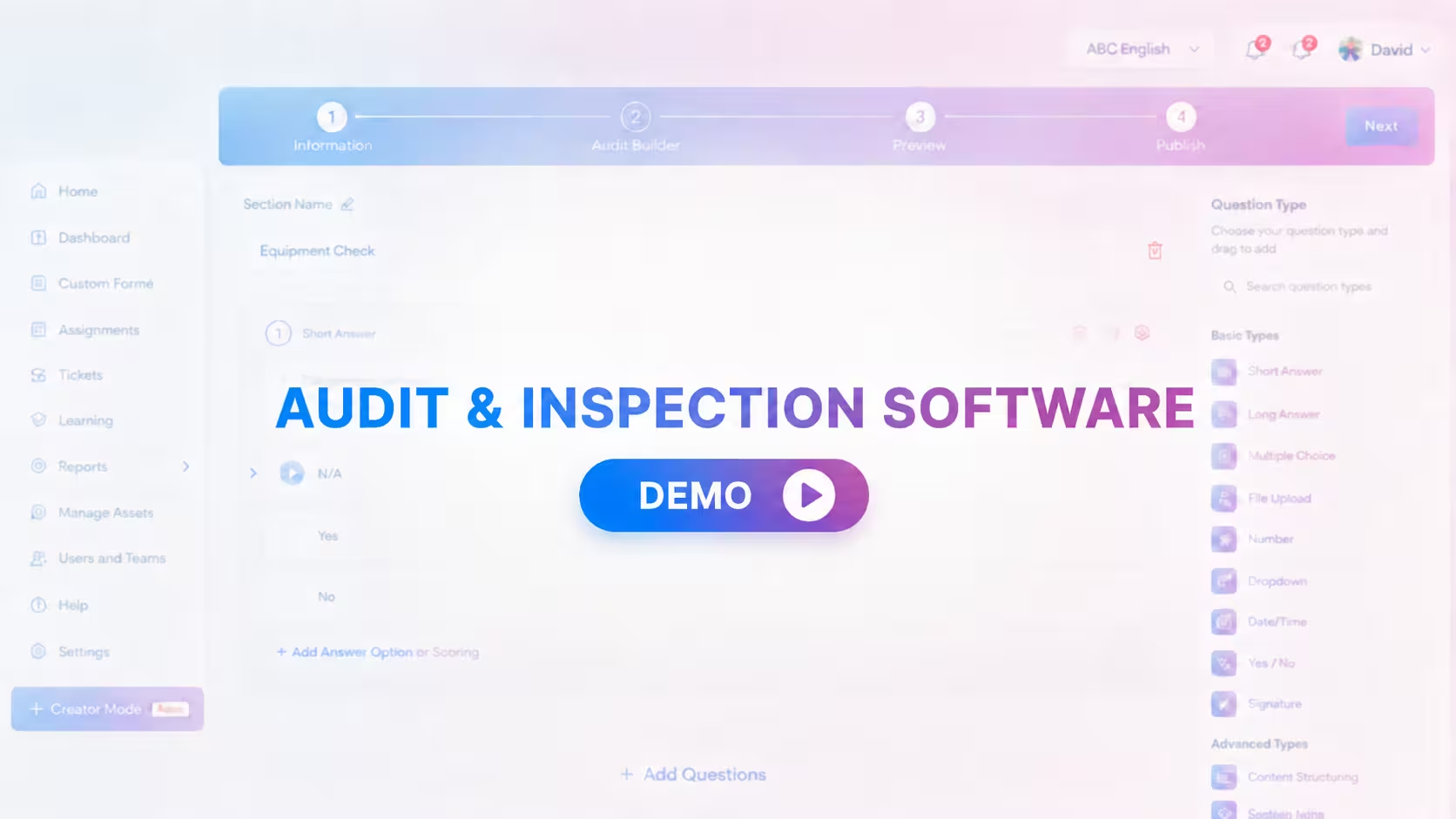
Taqtics Audits product walkthrough thumbnail Product walkthrough

Audits and Inspections

Configure, conduct, review and close audit findings.

Watch
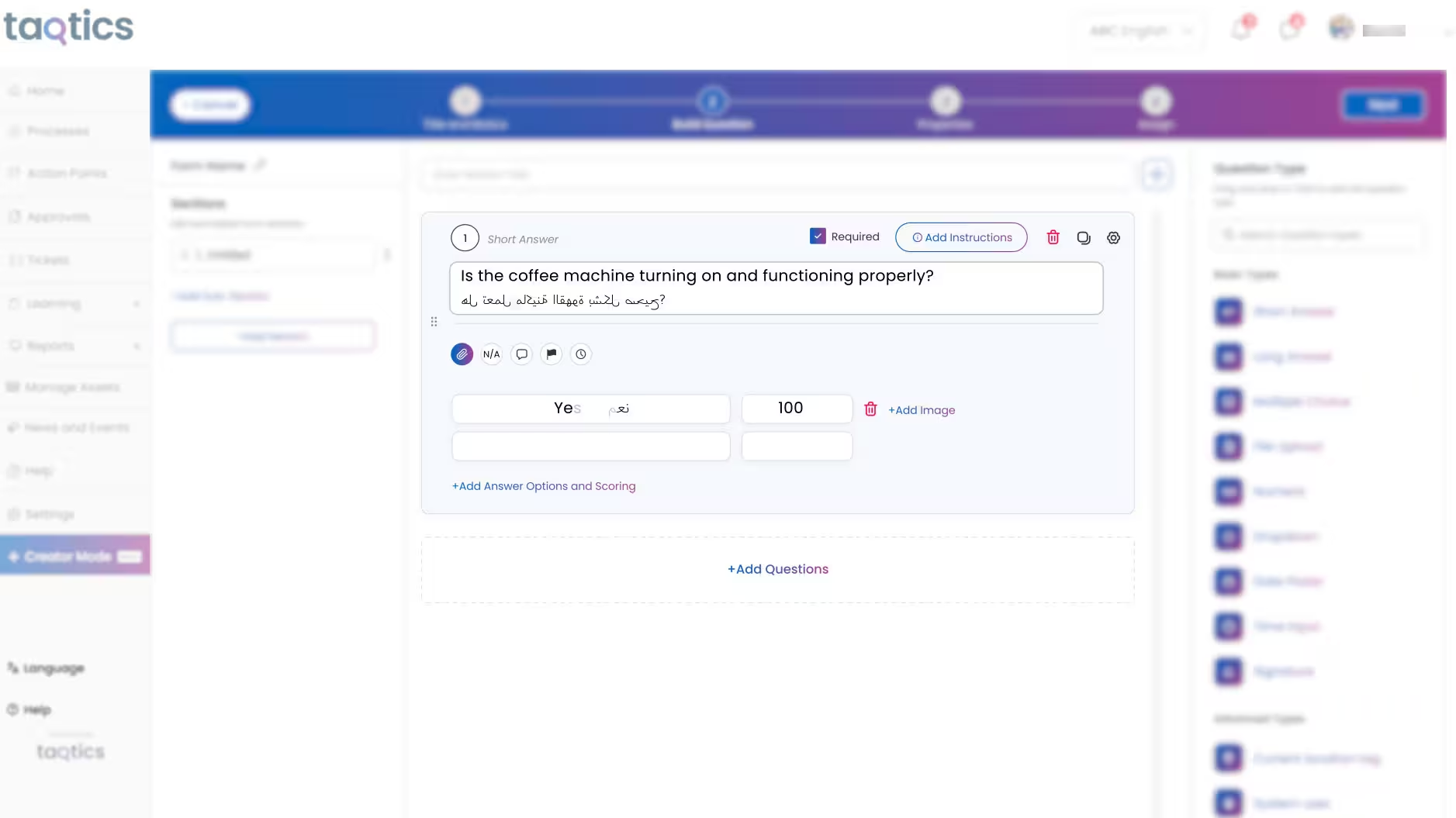
Taqtics SOP Checklists product walkthrough thumbnail Product walkthrough

SOP Checklists and Forms

Turn daily store routines into trackable execution.

Watch
Taqtics Issue Tracking product walkthrough thumbnail Product walkthrough

Issue Tracking

Route, escalate and resolve store issues faster.

Watch

Customer Stories

Hear how multi-location brands use Taqtics to improve visibility, consistency and operational accountability.

3 customer videos
Starbucks Indonesia Taqtics customer story thumbnail Customer story

Starbucks Indonesia

Driving operational excellence across a large network.

Watch
PizzaExpress Taqtics customer story thumbnail Customer story

PizzaExpress

Standardising execution and making reporting faster.

Watch
Kisna Jewellers Taqtics customer story thumbnail Customer story

Kisna Jewellers

Improving visibility across a growing jewellery network.

Watch
Customer Results

What Retail and Restaurant Brands Achieve With Taqtics

Case study: Solitario

How a luxury retail brand scaled consistent execution across 50+ stores

95% SOP compliance
87% Faster issue resolution
50+ Stores on one platform

Solitario used Taqtics to digitise audits, SOPs and asset tracking, keeping its brand standards consistent at every store.

Love the UI and cloud backup! Auto-assigning action points from checklists has made our workflows so much smoother.

Kimstone, Head of Retail, Optica

Taqtics helped us digitize SOPs, cut down errors, and bring consistency across all our locations. It's a real game changer!

Jitender, Head of Operations, PizzaExpress UAE

Taqtics was easy to roll out across 80 stores. Great support, smooth onboarding, and now we're scaling to more SOPs!

Ashif, IT Head
60-Second Fit Check

Is Taqtics a Better Fit Than Frontlyne for You?

Answer six quick questions. You can save the result as a PDF to share with your team.

Is store execution a bigger priority than learning and gamification?

Do your audits need weighted, conditional or critical-failure scoring?

Should failed checks reach the right person at that store automatically?

Do technicians, vendors or contractors need to close issues in the app?

Do leaders want one audit report with scores, actions and photos together?

Should a person confirm AI-flagged VM issues before they become actions?

Answer the questions to see your fit

Your result updates as you go.

Book a Comparison Demo
Which Platform Fits You?

Choose Based on the Outcome You Need Most

Both are broad frontline platforms. The better choice depends on whether learning and development or store execution is your main business problem.

Frontlyne is a strong fit when:

  • Frontline learning and training is the main requirement.
  • Assessments, certifications and learning analytics are central.
  • Gamification, rewards and leaderboards matter.
  • Career progression is part of your employee-experience strategy.
  • Standard audit and SOP workflows meet your operations needs.

Taqtics is a strong fit when:

  • Store execution and operational compliance are the priority.
  • Audits need sophisticated scoring and critical-failure logic.
  • Failed checks must reach the exact resolver automatically.
  • Maintenance teams, vendors and contractors need access.
  • Visual merchandising is a major store-execution workflow.
  • Reporting must be tailored to each brand and leadership team.
Frequently Asked Questions

Common Questions About Frontlyne and Taqtics

Yes. Both support multi-location frontline operations, including audits, checklists, tasks, ticketing, training and communication. Frontlyne is especially strong in LMS, employee development and career progression, while Taqtics goes deeper on operational execution.

No. Frontlyne also provides audits, checklists, tasks, ticketing, visual merchandising and communication. Its learning, training, rewards and career-development features are simply among its most developed areas.

In the Frontlyne environment evaluated for this comparison, questions could carry positive and negative scores. Taqtics adds partial scores, weightage, critical failures and conditional logic that can affect questions, sections and the overall audit result.

Frontlyne supports escalations, action plans and ticketing, and its product materials describe failed findings generating assigned tickets. Taqtics adds detailed preconfiguration of the corrective action and automatic routing to the responsible job title at the exact location.

Frontlyne markets AI image evaluation that automatically approves compliant submissions and flags deviations. Taqtics can send AI-identified issues through a human validation step before an action is created, which helps with subjective VM standards.

Frontlyne has a deep employee-development stack, including self-learning, instructor-led training, assessments, certifications, rewards, leaderboards, career progression and AI learning tools. If LMS and employee development are your main need, evaluate these closely.

Many store problems are fixed by people outside the store team, such as technicians, vendors and contractors. In Taqtics they join as lite users who only see and close their action points. Brands with 50+ stores get unlimited lite users.

Nothing breaks. Tasks are mapped to a job title and location, not a person. Add the new team member with the same job title and location, and they instantly inherit every open and scheduled task.

You set off days, holidays and opening and closing times for each store. Off days aren't counted as missed submissions, and a closing check done at 2 AM counts toward the previous business day, so compliance reports stay accurate.

Still have a question? Talk to a Taqtics expert

Compare Using Your Own Operations

See How Taqtics Would Handle Your Real Store Workflows

Share one audit, one recurring checklist, your location hierarchy and one corrective-action workflow. See exactly how scoring, assignment, escalation and reporting work in Taqtics.

Start Free Trial
1 Share your current setup Locations, job titles, departments and a few Frontlyne forms.
2 Your account manager configures it Scoring, routing, escalations, VM review and reports.
3 Roll out store by store Store teams and lite users get started with guided onboarding.

*Unlimited lite users are available for brands with 50+ stores.