Comparing Pazo? Turn Every Failed Check Into a Fix, Automatically.
Pazo helps store teams digitise tasks, SOPs and audits. Taqtics closes the loop: failed checks trigger corrective actions that reach the right person, escalate and get verified, with deeper scoring and reports and simple per-store pricing.
- Corrective actions triggered straight from audit and checklist answers, with no separate task or ticket.
- Scoring with weightage, failure points and negative marks, plus a self-configurable BI dashboard.
- Asset registry and unlimited lite users*, at simple per-store pricing.
The Difference in One Line
Pazo helps stores record what happened and share tasks. Taqtics turns every failed check into a fix, routed to the right person and verified.
Pazo vs Taqtics: Feature Comparison for Retail and Restaurant Brands
Where each platform is strong, and where the differences show up in compliance, follow-through and reporting.
Different approach
Taqtics advantage
Taqtics advantage
Taqtics advantage
Goes deeper
Both strong
Taqtics advantage
Taqtics advantage
Both strong
Both offer
Taqtics advantage
Simpler to plan
Based on publicly available Pazo information and user reviews (as of October 2026) and Taqtics product capabilities. Features and plans may change.
See a failed check turn into a fix, live
Send us one Pazo checklist or audit. We will rebuild it in Taqtics with scoring, automatic corrective actions and routing.
Six Things Taqtics Does That Typical Store-Ops Platforms Don't
Other tools record problems. Taqtics gets them fixed, by the right person, without anyone at HQ lifting a finger.
Truly automated action points
Knows off days and late closings
Easy to run, low admin
Root-cause analysis, built in
Connects operations to sales
Asset registry for everything
Tasks follow the role, not the person
Taqtics maps your organisation by job title, department and location. When someone leaves, nothing breaks. No checklist edits, no shared logins, no support tickets.
How Much Admin Time Goes Into Assigning, Chasing and Re-Mapping Tasks?
Enter your numbers to see the manual effort that role-based routing and instant task inheritance could remove.
Indicative estimate based only on the numbers you enter. It is not a quote or a guaranteed saving.
Where Taqtics Goes Further Than Pazo
Pick the area that matters most to your team.
Audits That Trigger the Fix
Corrective actions can be triggered automatically or manually from audit answers. They go straight to the job title at that store, escalate if overdue and close with photo proof and verification, so issues that hurt customer experience are fixed fast.
A good way to move store audits off paper. When an audit finds a problem, users create tasks and issues separately, an extra step that slows down the response.
In Taqtics, the audit answer itself starts the fix. No one has to copy findings into tasks.
Checklists and Scoring
A flexible builder where workflows trigger automatically from answers. Scoring supports weightage, failure points that zero an audit when a critical item fails, and negative marks, for a true picture of store compliance.
A simple checklist builder that helps digitise store processes, with limited scoring and automation for structured compliance tracking.
Better scoring means you can see which stores and processes need attention, not just what was ticked.
Reports and BI
Heatmaps, store-level aggregation, process breakdowns and a self-configurable BI dashboard. Reports account for off days, holidays and store hours, and can sit next to POS, inventory and CSAT data.
Standard dashboards showing task completion, audit scores and KPIs for HQ, zone and store. Customised dashboards are part of the Enterprise plan.
Taqtics lets each brand build dashboards around its own KPIs, on any plan.
Visual Merchandising
AI scans thousands of store images for brand compliance. Managers filter by store and VM category to review critical items, and correction tickets go to the right person at each store automatically.
Credible VM tools, including AI shelf-image comparison against planograms, real-time compliance scoring and detection of missing or misplaced products.
Both use AI on store photos. Taqtics connects every deviation to an automatic corrective workflow.
An Asset Registry for Everything
Register equipment, furniture, stock, vendors and licences by category, type and item, linked to checklists and action points. Track maintenance history, stock usage and renewals such as FSSAI and HACCP.
Stock management is available on higher plans, but there is no structured tracking of non-saleable assets such as equipment and fixtures.
If it can be listed, Taqtics can track it, check it and act on it.
Pricing and Plans
Simple per-store pricing, unlimited lite users* for technicians and vendors, and a dedicated account manager for every customer. New checklists, stores and workflows add no overhead cost.
Silver, Gold and Enterprise plans, all custom-quoted. Workflows, stock management, attendance, custom dashboards and a personal account manager depend on the plan you buy.
Compare like for like: check which Pazo tier you would need to match the features you want.
Product Walkthroughs and Customer Stories
Short demos of the core platform, followed by real stories from retail and restaurant teams that use Taqtics every day.
Core Product Walkthroughs
See how Taqtics handles audits, recurring store checks and everyday issue resolution.
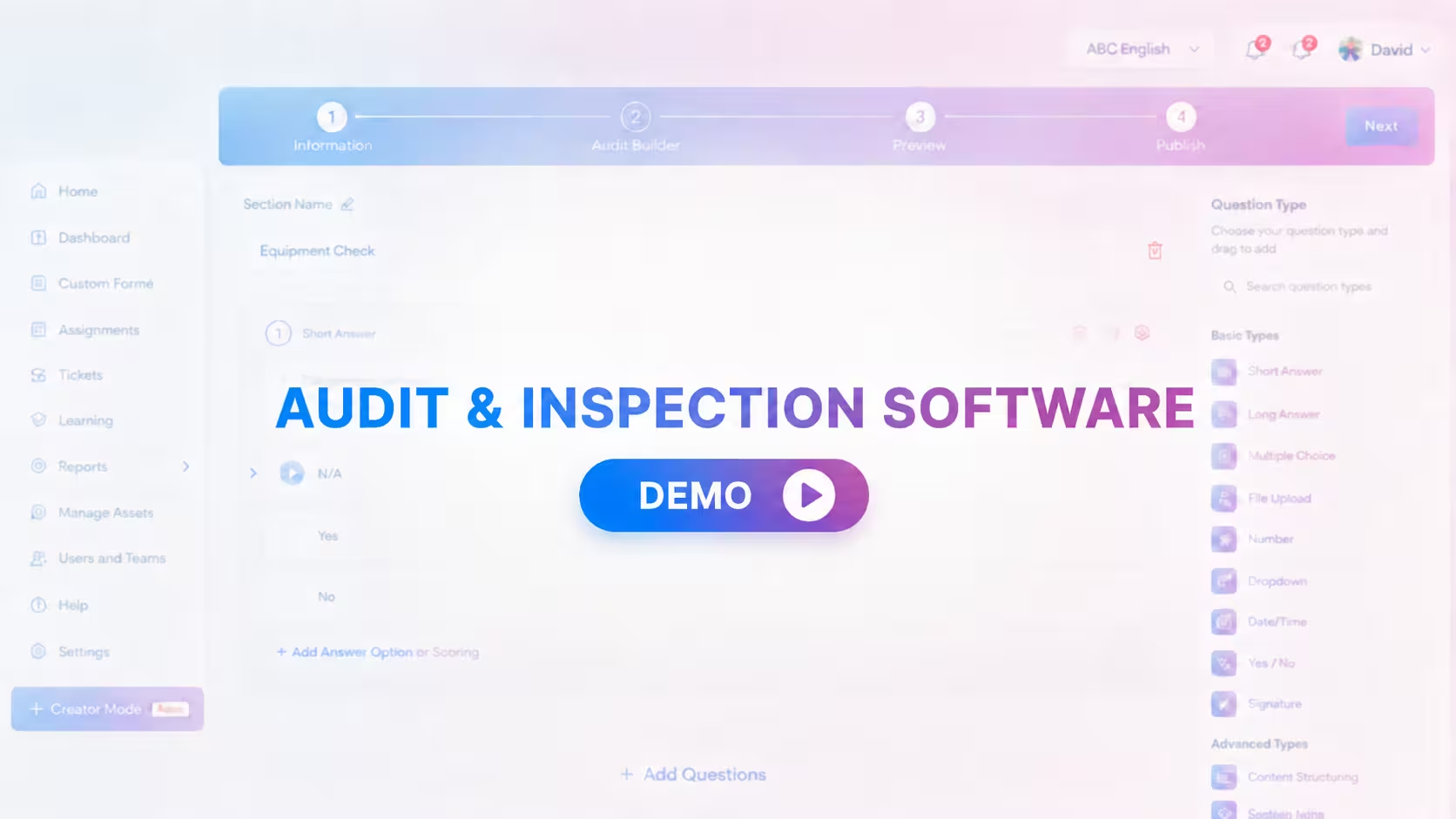
Audits and Inspections
Configure, conduct, review and close audit findings.
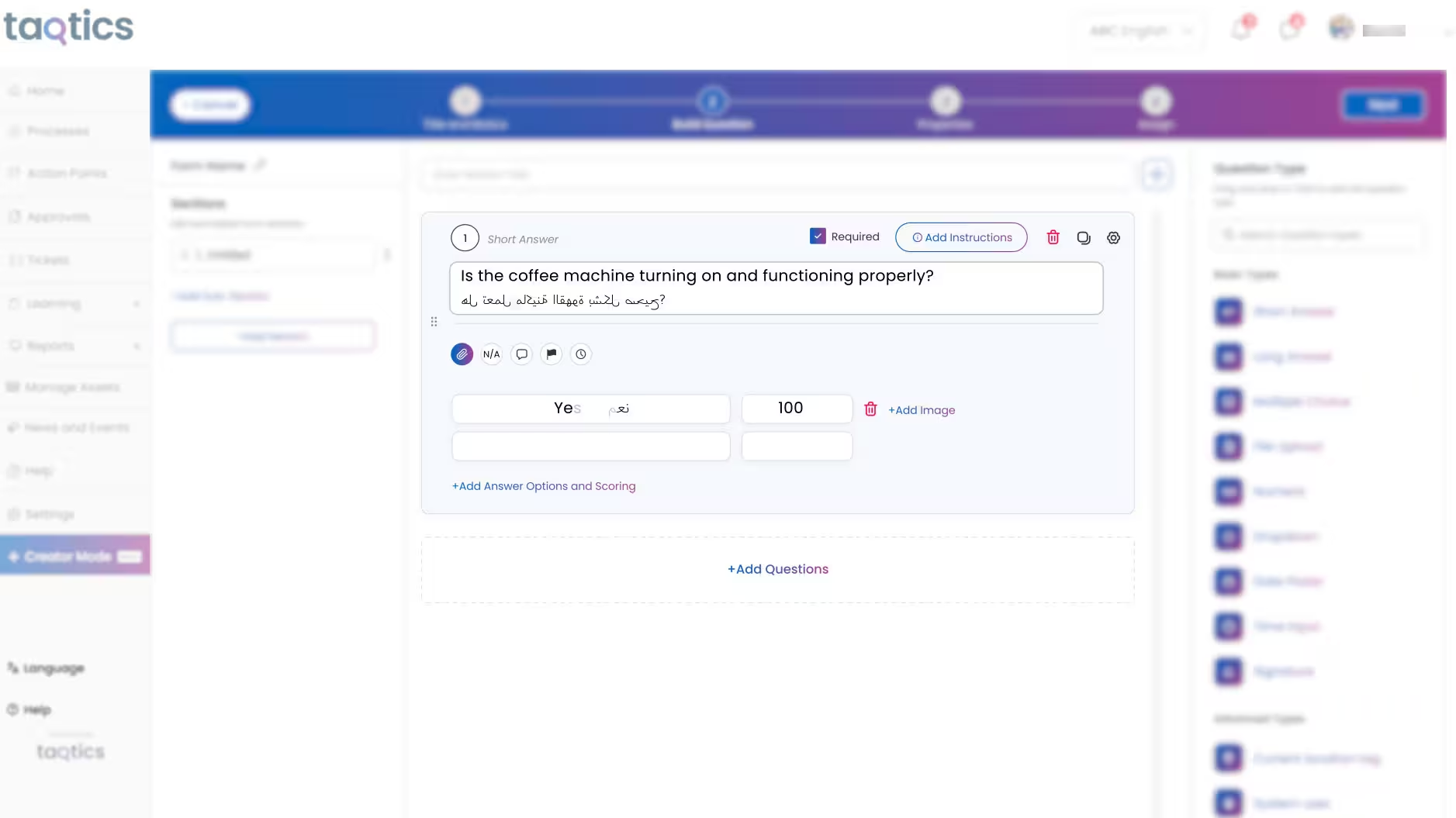
SOP Checklists and Forms
Turn daily store routines into trackable execution.
Issue Tracking
Route, escalate and resolve store issues faster.
Customer Stories
Hear how multi-location brands use Taqtics to improve visibility, consistency and operational accountability.
Starbucks Indonesia
Driving operational excellence across a large network.

PizzaExpress
Standardising execution and making reporting faster.
Kisna Jewellers
Improving visibility across a growing jewellery network.
What Retail and Restaurant Brands Achieve With Taqtics
How a luxury retail brand scaled consistent execution across 50+ stores
Solitario used Taqtics to digitise audits, SOPs and asset tracking, keeping its brand standards consistent at every store.
Love the UI and cloud backup! Auto-assigning action points from checklists has made our workflows so much smoother.
Taqtics helped us digitize SOPs, cut down errors, and bring consistency across all our locations. It's a real game changer!
Taqtics was easy to roll out across 80 stores. Great support, smooth onboarding, and now we're scaling to more SOPs!
Is Taqtics a Better Fit Than Pazo for You?
Answer six quick questions. You can save the result as a PDF to share with your team.
Do your teams create tasks or tickets by hand after an audit finds an issue?
Do your audits need weightage, failure points or negative scoring?
Should failed checks reach the right person at that store automatically?
Do HQ and regional teams need configurable dashboards and heatmaps?
Do you need to track equipment, maintenance or licence renewals?
Do you have weekly off days, holidays or stores that close after midnight?
Choose Based on How Far You Want to Automate
Both platforms digitise store operations. The right choice depends on whether you need a task app or a system that closes every loop on its own.
Pazo is a strong fit when:
- You mainly need tasks, SOP sharing and team messages.
- A simple checklist builder covers your audits.
- You want stock management in the same app.
- Your team is happy to create follow-up tasks by hand.
Taqtics is a strong fit when:
- Audit findings must turn into fixes automatically.
- You need advanced scoring and configurable BI.
- Equipment, licences and vendors need tracking too.
- You want simple per-store pricing with no tier puzzles.
Common Questions About Pazo and Taqtics
Yes. Taqtics covers checklists, tasks, audits, tickets and VM, and adds corrective actions triggered straight from audit answers, advanced scoring, a self-configurable BI dashboard, an asset registry and reports that account for off days and store hours.
Yes. Corrective actions can be triggered automatically or manually from any audit or checklist answer. They are routed to the job title at that store, escalated if overdue and closed with photo proof and verification.
Pazo offers Silver, Gold and Enterprise plans, all custom-quoted, with some features tied to higher tiers. Taqtics is priced per store, with a 14-day free trial and unlimited lite users for brands with 50+ stores.
Yes. Your account manager reviews your current checklists, audits and reports and configures them in Taqtics, along with your locations, job titles, scoring and routing rules, before rollout.
Lite users are usually maintenance staff, technicians or vendors who only complete action points. They can't fill checklists, raise issues or see reports. Brands with 50+ stores get unlimited lite users.
Nothing breaks. Tasks are mapped to a job title and location, not a person. Add the new team member with the same job title and location, and they instantly inherit every open and scheduled task.
You set off days, holidays and opening and closing times for each store. Off days aren't counted as missed submissions, and a closing check done at 2 AM counts toward the previous business day, so compliance reports stay accurate.
Still have a question? Talk to a Taqtics expert
See How Taqtics Would Work Across Your Stores
Share your locations and one Pazo checklist or audit. We will show you how it runs with scoring, automatic corrective actions and routing in Taqtics.
*Unlimited lite users are available for brands with 50+ stores.