NEW Introducing TimeShift - AI-powered shift planning
Know App vs Taqtics

Which Platform Gives Multi-Location Brands More Operational Control?

Know App and Taqtics both digitise audits, checklists, tasks, issues, communication, training and workforce operations. The difference becomes clear when you compare audit depth, submission control, visual merchandising, analytics, organisational access and pricing.

Built for multi-location brands Location-based commercial model Retail-specific execution workflows

Know App

Configurable user and form workflows
Forms, checklists and audits for paid users
Employee-facing operations and communication
AI chatbot for internal operational data
Per-user access across selected modules
VS

Taqtics

Location-wide execution and intelligence
Locations, hierarchy and broader participation
Advanced scoring and execution controls
Dedicated visual-merchandising execution
Connected BI across operational and business data
Both platforms support multi-location operations. Taqtics differentiates through deeper controls, retail-specific workflows, cross-system intelligence and location-based scalability.
The Core Difference

The Difference in One Line

Know App is strong in configurable employee workflows and conversational access to internal platform data. Taqtics adds deeper audit logic, stronger execution governance, dedicated VM workflows, broader participation and consolidated intelligence from across the business.

Where Both Platforms Are Strong

Both Platforms Cover the Core Multi-Location Workflows

Both products support digital audits, recurring checklists, automated corrective actions, standalone issues, organisational hierarchy, communication, training, assets, rostering and operational dashboards.

The decision is therefore not about whether either platform can create a form. It is about the level of control, flexibility and scalability required after the workflow has been digitised.

Audits and Checklists
Corrective Actions
Issue Tracking
Communication
Operational Reports
Feature-by-Feature Comparison

Compare the Differences That Affect Execution and Scale

The table focuses on the areas that materially influence operational accuracy, adoption, reporting and long-term cost.

Capability
Know App
Taqtics
Multi-location operations
Supports countries, regions, stores, departments, roles and paid employee accounts.
Supports the complete location hierarchy along with employees, vendors, maintenance users, contractors and view-only stakeholders.
Audit scoring
Standard and penalty scoring out of 100, question and section weightages, pass/fail thresholds and critical failures.
Partial, zero, negative and weighted scoring, critical failures and conditional scoring across questions, sections and the overall audit.
Checklist submission control
Several eligible employees can complete the same form. Store-manager approval may be used to decide the final record.
One assigned checklist produces one accepted operational record. The first successful submission becomes valid.
Offline completion
Supports offline forms, but separate offline submissions may require manual review and reconciliation.
Supports offline completion while maintaining one accepted submission for each assigned checklist.
Geofencing
Captures a GPS snapshot. Manual store selection is also recommended where GPS drift may occur.
Configurable geofence radius ranging from tightly controlled boundaries to several hundred metres.
Corrective actions
Automated actions assigned to individuals, user groups or relevant roles at the location.
Automated routing through location, department, job title, audit question, issue category, hierarchy and escalation.
Visual merchandising
Uses standard forms, reference images, live photos and AI image verification as a checklist-based workaround.
Dedicated VM module for campaigns, execution images, approvals, corrections, visual reports and AI review.
Analytics chatbot
AI chatbot can answer natural-language questions using data captured inside Know App.
Does not currently provide the same conversational analytics interface.
Third-party business data
Dashboards and chatbot primarily work with data generated inside Know App.
Can combine operations data with POS, ERP, inventory, sales, accounting, CSAT, NPS and other business systems.
Dashboard approach
Dashboard templates can be selected and edited for internal operational reporting.
Dashboards are custom-built around each brand’s metrics, systems, operating model and leadership priorities.
Organisational participation
The operating hierarchy is primarily made up of paid users with employee accounts.
Can include paid, unpaid, lite, vendor, contractor, maintenance, admin and reporting users.
Commercial model
Mostly priced per active user and selected modules, which can increase costs as adoption expands.
Priced by licensed location rather than charging separately for every person participating in operations.
Training and knowledge
Bite-sized learning, guides and an AI assistant that answers questions from internal SOPs.
Structured learning journeys, assessments, role-based publishing, completion reports and knowledge management.
Rostering
Shift templates, open shifts, employee bidding, attendance and payroll-ready exports.
Demand-based scheduling using sales, footfall, availability, store hours, staffing coverage and overtime risk.

Comparison is based on a Know App product demonstration, information shared during the sales conversation and current Taqtics capabilities. Features and commercial terms may change.

See Taqtics in Action

Product Walkthroughs and Customer Stories

Watch short demonstrations of the core platform, followed by real examples from multi-location brands using Taqtics.

Core Product Walkthroughs

See how Taqtics handles audits, recurring SOP execution and everyday issue resolution across locations.

3 product videos
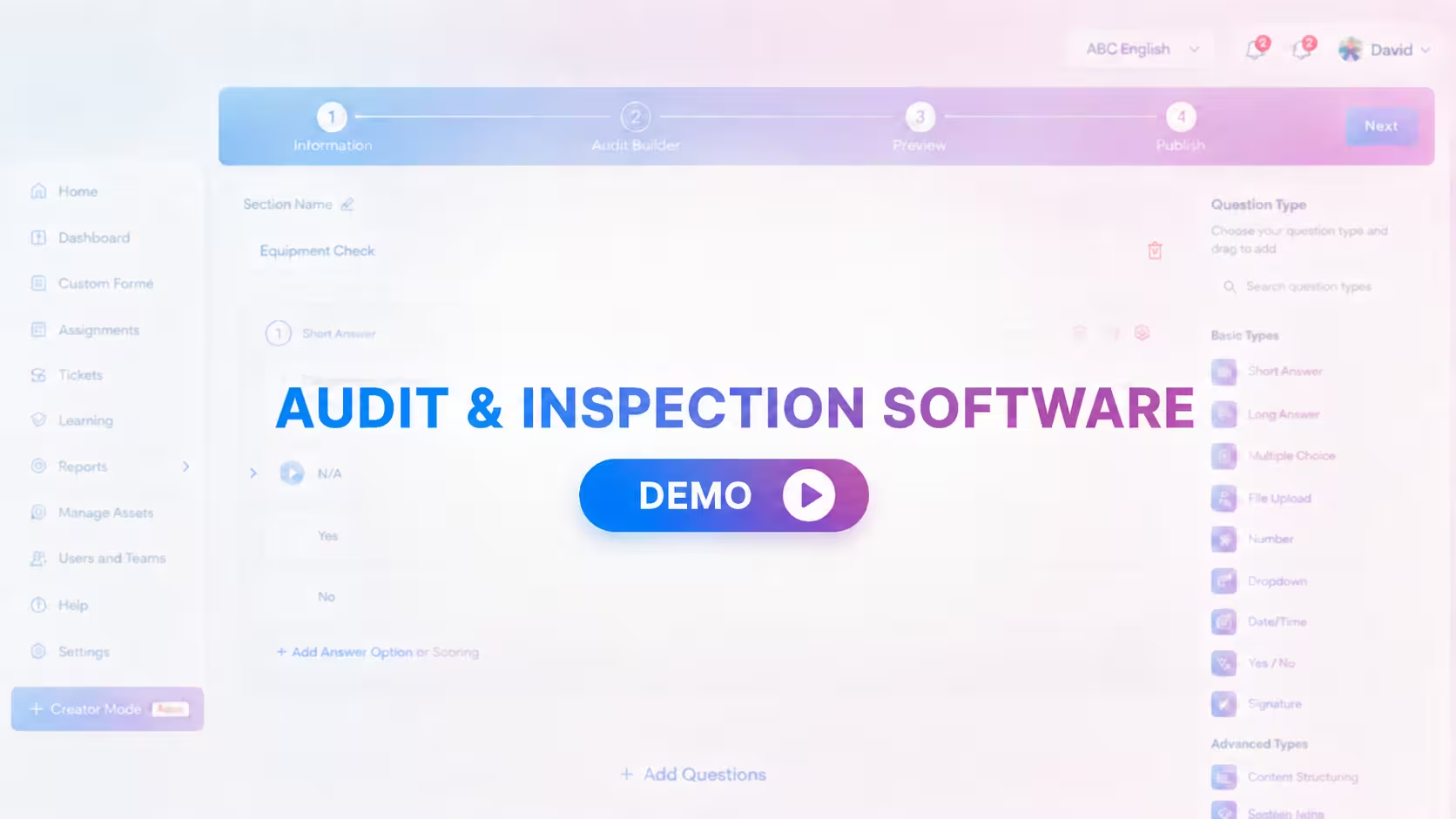
Taqtics Audits product walkthrough thumbnail Product walkthrough

Audits and Inspections

Configure, conduct, review and close audit findings.

Watch
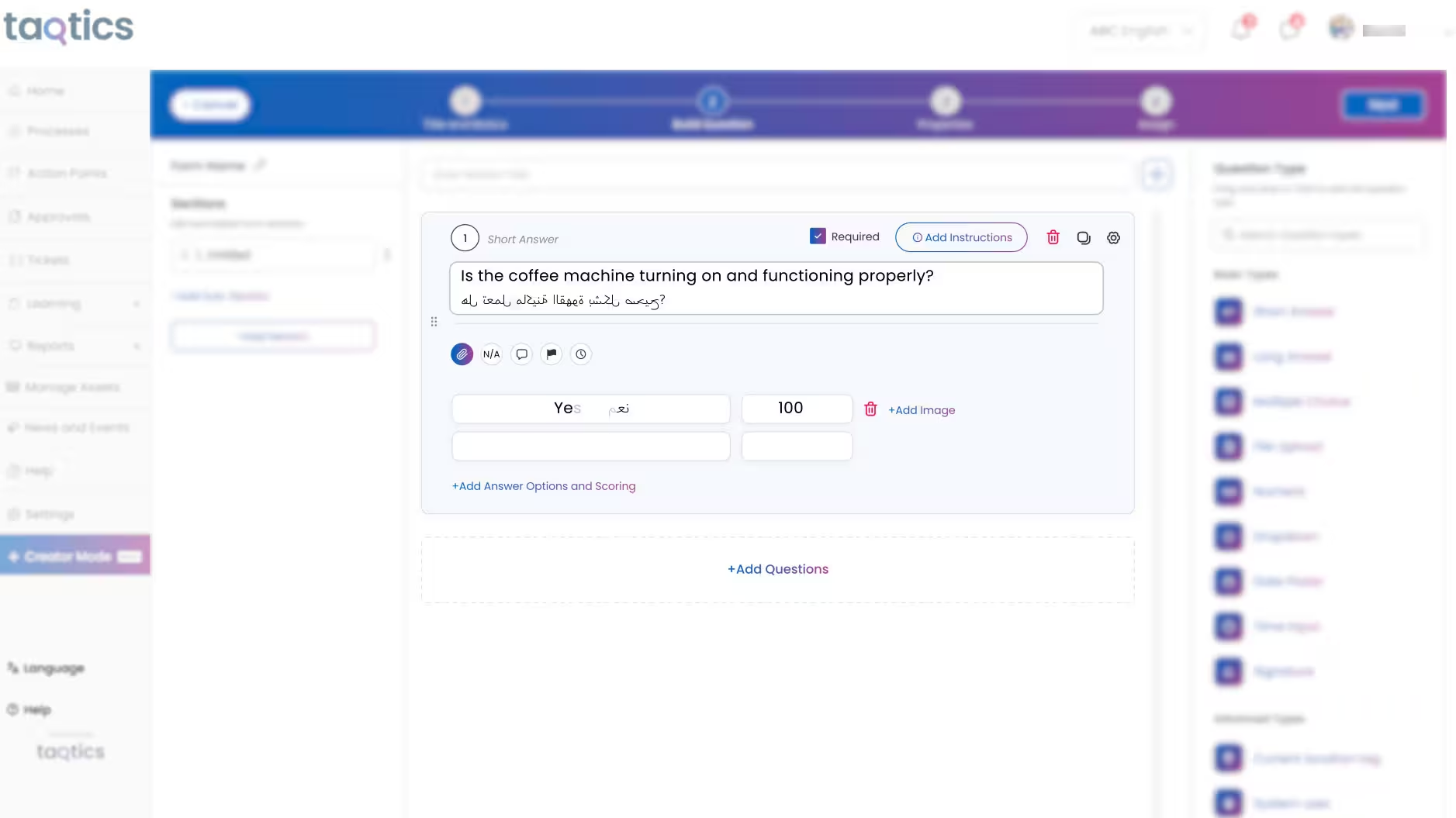
Taqtics SOP Checklists product walkthrough thumbnail Product walkthrough

SOP Checklists and Forms

Turn daily routines into controlled store execution.

Watch
Taqtics Issue Tracking product walkthrough thumbnail Product walkthrough

Issue Tracking

Route, escalate and resolve operational issues faster.

Watch

Customer Stories

Hear how retail and restaurant brands improve visibility, consistency and accountability with Taqtics.

3 customer videos
Kisna Jewellers Taqtics customer story thumbnail Customer story

Kisna Jewellers

Improving visibility across a growing jewellery network.

Watch
Starbucks Indonesia Taqtics customer story thumbnail Customer story

Starbucks Indonesia

Driving consistent operations across a large network.

Watch
PizzaExpress Taqtics customer story thumbnail Customer story

PizzaExpress

Standardising execution and making reporting faster.

Watch
Why the Differences Matter

Four Areas That Can Change the Business Outcome

These are not minor feature differences. They affect how accurately the platform reflects operations and how widely it can be adopted.

Audit logic and scoring

Know App provides standard and penalty scoring out of 100. Taqtics supports conditional scoring where answers across multiple questions can change question, section or overall audit results.

Know App Standard, penalty, weighted and critical scoring.
Taqtics Partial, negative, weighted, critical and conditional scoring.

Submission integrity

A shared checklist should still produce one official store record. Taqtics prevents several accepted submissions from being created for the same checklist assignment.

Know App Multiple offline submissions may require reconciliation.
Taqtics The first successful submission becomes the valid record.

Visual-merchandising execution

A normal form can collect display photographs, but it does not replace campaign-level image review, approvals, visual reports and image-led corrective-action workflows.

Know App VM handled through the standard form builder.
Taqtics Purpose-built VM campaign and execution module.

Business intelligence

Know App makes internal data easy to query. Taqtics connects operational information with business systems to reveal how execution affects sales, CX, inventory and location performance.

Know App Conversational analysis of data inside Know App.
Taqtics Custom dashboards across internal and third-party data.
Connected Store Operations

One Operating Environment Across Every Location

Taqtics connects daily execution, audits, issue resolution, visual merchandising, workforce enablement and business reporting to the same locations and organisational structure.

Audits and Inspections
Tasks and Checklists
Issue Tracking
Visual Merchandising
Asset Management
Knowledge Centre
Chat and Communication
Noticeboard
Roster and Attendance
Custom BI Dashboards
Know App covers several of these operational areas as well. The Taqtics difference is how they connect to the location hierarchy, wider user base, dedicated VM workflow and cross-system reporting model.
9,000+ Stores using Taqtics
200+ Brands
19 Countries
Per Location Not priced by every user
Which Platform Fits You?

Choose Based on the Complexity of Your Operating Model

Both platforms are capable. The right choice depends on how many people need access, how complex the workflows are and what leadership expects from the data.

Know App is a strong fit when:

  • A controlled number of employees need access.
  • Standard audit-scoring methods meet the requirement.
  • Conversational analytics is a major priority.
  • Reports only need data captured inside the platform.
  • AI-based SOP assistance is important.
  • Open shifts and employee shift bidding are required.

Taqtics is a strong fit when:

  • Many employees, vendors and external teams need access.
  • Audit scoring requires complex conditional logic.
  • Only one valid submission should exist per checklist.
  • Precise configurable geofencing is required.
  • Visual merchandising is a major workflow.
  • POS, ERP, inventory, CX and operations data must be combined.
  • Location-based pricing is more practical than per-user seats.
Frequently Asked Questions

Common Questions About Know App and Taqtics

Yes. Both platforms support audits, checklists, tasks, corrective actions, issues, communication, training, assets and workforce operations. Taqtics is particularly suited to businesses needing deeper audit configuration, dedicated visual merchandising, broader participation and connected BI.

Yes. Know App supports countries, regions, locations, departments, roles and store-level access. The difference lies in the depth of execution controls and the commercial model used to include participants in the hierarchy.

Know App provides standard scoring, penalty scoring, weightages and critical failure conditions. Taqtics adds partial and negative scoring along with conditional logic across questions, sections and the overall audit result.

Yes. Know App can upload separate offline submissions that may require manual reconciliation. Taqtics supports offline completion while maintaining one accepted submission for each assigned checklist.

Know App captures a GPS snapshot and also recommends manual store selection where GPS drift may occur. Taqtics provides a configurable geofence radius that can be adjusted to match the location and operational process.

Know App can create VM checklists using standard forms, reference images and AI image verification. Taqtics provides a dedicated VM module with campaign management, visual review, approvals, corrections and visual reports.

Taqtics does not currently provide the same natural-language analytics chatbot shown in Know App. Taqtics instead provides custom dashboards that can combine operational data with POS, ERP, inventory, sales and customer-experience systems.

Know App mostly follows a per-user and module-based pricing model. Taqtics generally follows a per-location model and can include admin, lite, vendor and operational participants without charging every person as a full paid user.

Yes. Taqtics can support integrations with systems such as POS, ERP, inventory, sales, accounting and customer experience platforms to create consolidated operational dashboards and cross-system analysis.

Compare Using Your Own Operations

See How Taqtics Would Work Across Your Locations

Share your location structure, one audit, one daily checklist and one reporting requirement. We will show how the workflows can be configured inside Taqtics.