
Comparing Wooqer? Get a Simpler App, Smarter Reports and Action Points That Assign Themselves.
Both platforms digitise store checklists and audits. Taqtics adds a modern interface store teams pick up quickly, visual reports that understand retail hours, and corrective actions that reach the person who fixes the problem, automatically.
- Action points routed by job title and location, and completed by unlimited lite users*.
- Reports that count off days, holidays and after-midnight closings correctly.
- Store execution linked to POS, ERP and inventory data, with an asset registry built in.
The Difference in One Line
Wooqer digitises store processes and leaves your team to assign, chase and compile. Taqtics routes every task to the right role, closes the loop and turns it into reports you can act on.
Most "Automated" Action Points Are Manual Tasks in Disguise
Creating the task automatically is the easy part. If it still lands with HQ or an area manager who has to reassign it, chase it and verify it, nothing has really been automated.
Disguised automation
Wooqer and most toolsTrue automation
TaqticsWhen people change, your workflows don't break
Retail and restaurant teams change often. Taqtics maps your organisation by job title, department and location, so tasks follow the role, not the person. No checklist edits, no shared logins, no support tickets.
Unlimited lite users*
Give maintenance staff and vendors their own login just to complete action points. They can't fill checklists, raise issues or see reports.
Root-cause questionnaires
Attach a secondary checklist to any action point. It is assigned automatically when the action is created, giving you a root-cause analysis for every failure.
Escalation and verification
Deadlines, multi-level escalation, closure evidence and verification are built in, so HQ only steps in when it needs to.
Is Your Compliance Report Punishing Stores for Being Closed?
Most platforms count off days and holidays as missed submissions, and log a 2 AM closing check against the next day. Pick your store pattern to see the difference.
Typical platform report
- 0 days shown as missed
- 0 closing checks on the wrong date
- Managers adjust the numbers by hand
Taqtics report
- Off days and holidays excluded
- Closing checks counted for the right business day
- Reports ready with no manual fixes
See your own stores' real compliance in a Taqtics dashboard.
Book a Reports DemoWooqer vs Taqtics: Feature Comparison for Retail and Restaurant Brands
Where each platform is strong, and where the differences show up in day-to-day store operations.
Taqtics advantage
Taqtics advantage
Only in Taqtics
Taqtics advantage
Taqtics advantage
Only in Taqtics
Only in Taqtics
Taqtics advantage
Taqtics advantage
Only in Taqtics
Taqtics advantage
Both strong
Transparent and predictable
Based on publicly available Wooqer information and user reviews (as of January 2026) and Taqtics product capabilities. Features may change. *Unlimited lite users are available for brands with 50+ stores.
See the interface and reports side by side
Send us one Wooqer checklist and a sample report. We will rebuild both in Taqtics and walk you through them live.
Where Taqtics Goes Further Than Wooqer
Pick the area that matters most to your team.
An Interface Store Teams Actually Like Using
A clean, task-first app built on current technology. Store teams see only what they need to do today, lite users see only their action points, and new features ship every two months.
A more traditional design that some users find less intuitive (based on G2 reviews). Text-heavy screens can make custom setups take longer.
An easier app means faster adoption in stores, and fewer missed checks.
Reports and BI
Heatmaps, store-level analytics, process metrics and a configurable BI dashboard. HQ sees tasks, compliance and store performance in real time, with off days, holidays and business hours already accounted for.
A solid step up from paper and Excel, with digital store-level reporting. Reports are largely table-based, so teams often compile several reports by hand for an overview.
Taqtics gives instant, accurate insight. No manual compiling or correcting.
Connect Operations to Sales, CSAT and Costs
Integrate POS, ERP, inventory or any system with an API. Operational data sits next to sales, CSAT scores, expenses and losses, so you can see which operational levers move revenue, guest satisfaction and cost.
Reporting focuses on the operational data captured in the app.
Example: see whether stores that miss closing checks also have higher waste or lower CSAT the next day.
An Asset Registry That Powers New Workflows
Build a registry by category, type and item, for example Equipment > Electronic > Chillers. Linked to checklists and action points, it can track stock allocation and usage, add vendors after a registration checklist, and track licence renewals such as FSSAI and HACCP with their tasks.
No dedicated non-saleable asset tracking, so equipment upkeep and renewals are handled outside the platform.
One registry, unlimited use cases: equipment, stock, vendors and licences.
Root-Cause Analysis on Every Action Point
Assign a questionnaire, a secondary checklist, to any action point. When a check or audit fails, the questionnaire goes out with the action, so you learn why it happened, not only that it was fixed.
Tasks are tracked until the assignee confirms completion. Root-cause capture isn't a linked workflow.
Fix the cause once, instead of fixing the same failure every week.
Easy to Run, With an Account Manager Anyway
Because tasks follow roles and reports follow business hours, the platform needs very little upkeep. Every customer still gets a dedicated account manager, so launching a new checklist, store, process or workflow adds no extra cost.
Staff changes mean editing workflows, sharing a common login or raising a support ticket, and custom setups take longer on text-heavy screens.
Less admin for your team, and expert help whenever you need it.
How Much Admin Time Goes Into Assigning, Chasing and Re-Mapping Tasks?
Enter your numbers to see the manual effort that role-based routing and instant task inheritance could remove.
Indicative estimate based only on the numbers you enter. It is not a quote or a guaranteed saving.
See the Interface for Yourself
Short demos of the core platform, followed by real stories from retail and restaurant teams that use Taqtics every day.
Core Product Walkthroughs
See how Taqtics handles audits, recurring store checks and everyday issue resolution.
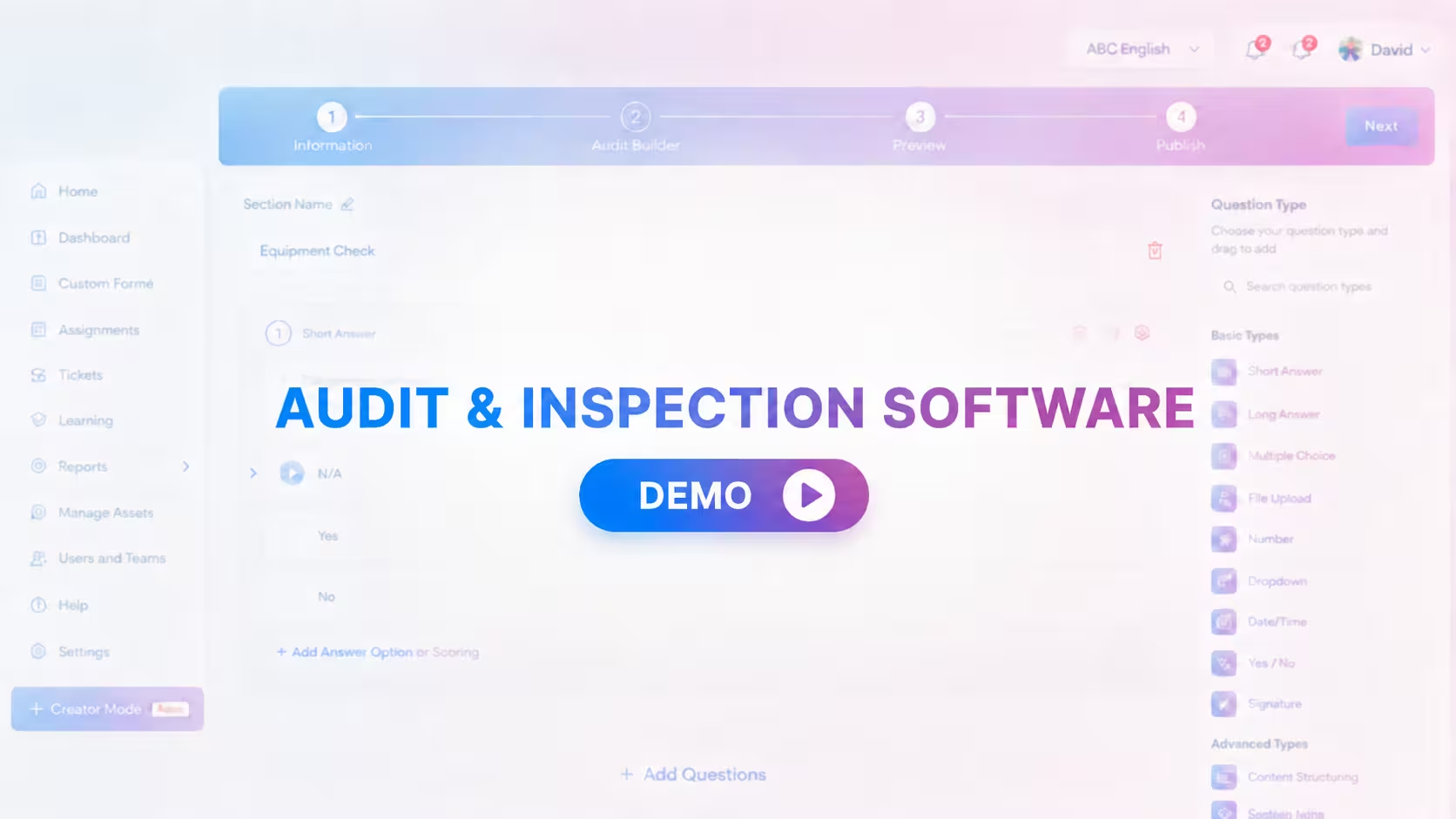
Audits and Inspections
Configure, conduct, review and close audit findings.
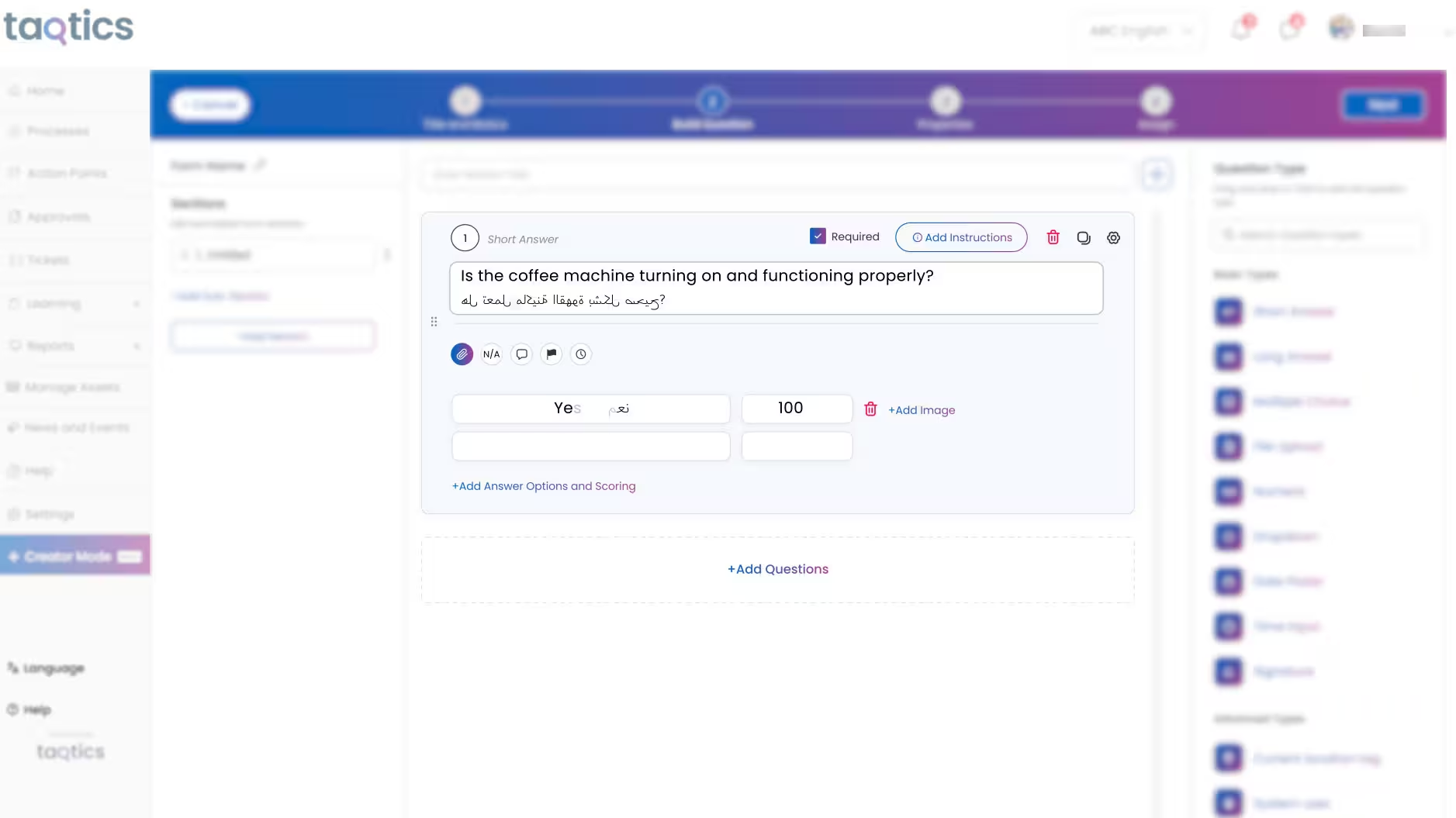
SOP Checklists and Forms
Turn daily store routines into trackable execution.
Issue Tracking
Route, escalate and resolve store issues faster.
Customer Stories
Hear how multi-location brands use Taqtics to improve visibility, consistency and operational accountability.
Kisna Jewellers
Improving visibility across a growing jewellery network.
Starbucks Indonesia
Driving operational excellence across a large network.

PizzaExpress
Standardising execution and making reporting faster.
What Retail and Restaurant Brands Achieve With Taqtics
How a luxury retail brand scaled consistent execution across 50+ stores
Solitario used Taqtics to digitise audits, SOPs and asset tracking, keeping its brand standards consistent at every store.
Love the UI and cloud backup! Auto-assigning action points from checklists has made our workflows so much smoother.
Taqtics helped us digitize SOPs, cut down errors, and bring consistency across all our locations. It's a real game changer!
Taqtics was easy to roll out across 80 stores. Great support, smooth onboarding, and now we're scaling to more SOPs!
Is Taqtics a Better Fit Than Wooqer for You?
Answer six quick questions. You can save the result as a PDF to share with your team.
Does your HQ team compile reports from tables or Excel every week?
Do corrective actions land with HQ or area managers who then reassign them?
Do maintenance staff, vendors or store managers change often?
Do you have weekly off days, holidays or stores that close after midnight?
Do you want to link store execution with POS, ERP or inventory data?
Do you need to track assets, stock or licence renewals such as FSSAI or HACCP?
Choose Based on How Your Stores Run
Both platforms digitise store operations. The right choice depends on how much assigning, chasing and report-building you want your team to keep doing.
Wooqer is a strong fit when:
- You're moving from paper and Excel to a first digital tool.
- Learning content for store teams is the main priority.
- Your HQ team is happy to assign and track tasks manually.
- Table-based reports cover your needs.
Taqtics is a strong fit when:
- You want a modern app store teams adopt quickly.
- Actions must reach the person who fixes them, automatically.
- Reports must reflect off days, holidays and late closings.
- You want to link operations to sales, CSAT, costs and assets.
Common Questions About Wooqer and Taqtics
Yes. Taqtics covers checklists, audits, tasks, VM and training, and adds a modern interface, visual reports that account for off days and late closings, action points routed by job title and location, root-cause questionnaires, an asset registry and POS or ERP integrations.
Lite users are usually maintenance staff or vendors who only complete action points. They can't fill checklists, raise issues or see reports. Brands with 50+ stores get unlimited lite users.
Nothing breaks. Tasks are mapped to a job title and location, not a person. Add the new team member with the same job title and location, and they instantly inherit every open and scheduled task. No checklist edits, shared logins or support tickets.
You define off days, holidays and each store's opening and closing times. Off days aren't counted as missed submissions, and a closing check done at 2 AM counts toward the previous business day, so compliance reports stay accurate.
Yes. Taqtics can integrate with any system that supports an API, including POS, ERP and inventory software, so operational data can be analysed alongside sales, CSAT, expenses and losses.
Yes. Your account manager reviews your current checklists, audits and reports and configures them in Taqtics, along with your locations, job titles, departments and routing rules, before rollout.
Yes, every customer does. Launching a new checklist, store, process or workflow doesn't add extra cost, and the platform is easy enough to run day to day without one.
Still have a question? Talk to a Taqtics expert
See Your Stores in Taqtics, Side by Side
Share your locations, one Wooqer checklist and a sample report. We will show you the interface, the routing and the reports built on your own data.
*Unlimited lite users are available for brands with 50+ stores.