
Loading and Unloading Audit Software for Safer, Controlled Dock Operations
Standardize loading and unloading inspections across docks, bays, vehicles, shifts, and distribution centres. Verify dock readiness, vehicle restraint, load condition, safe handling, documentation, and final release while assigning corrective actions for every operational gap.
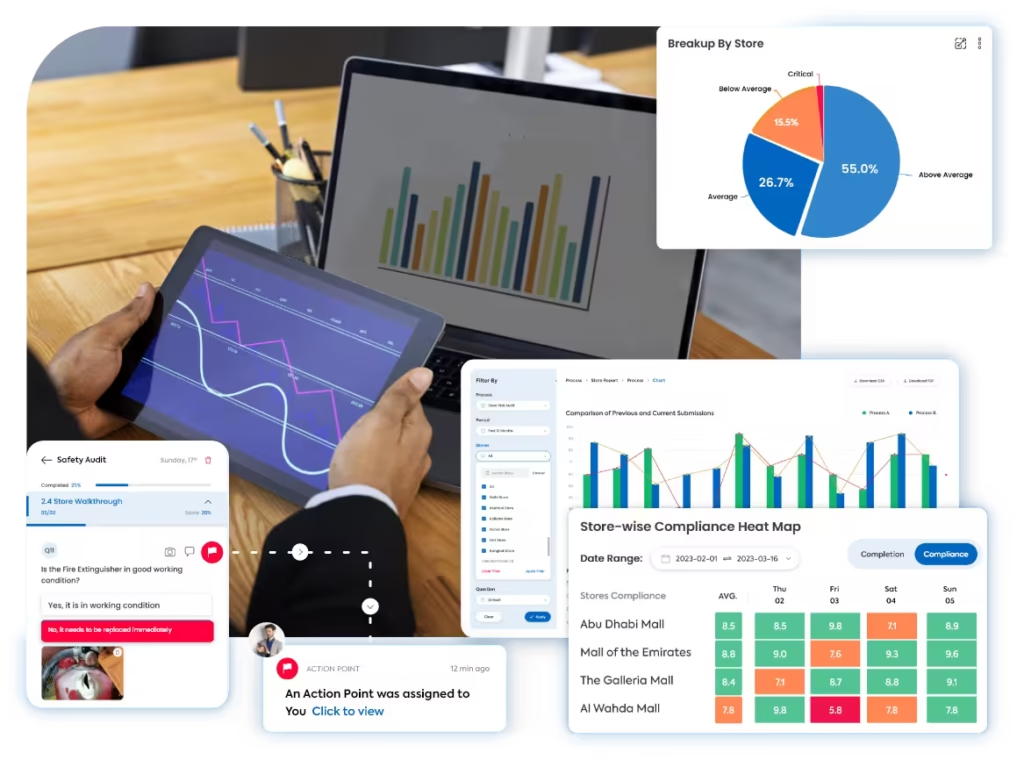
A clearer way to control every dock and load movement
Taqtics connects loading and unloading checklists, dock-level inspections, vehicle and consignment details, photographic evidence, scoring, reports, ownership, and corrective actions across every warehouse and shift.
Where manual loading and unloading inspections break down
Select a common gap to see how disconnected dock checks increase safety, damage, and shipment risk.
The same bay is checked differently across shifts
Without standardized dock-readiness, restraint, housekeeping, and equipment checks, teams apply different release standards.
Managers cannot verify the condition of the load
Manual records often separate damaged goods, unstable pallets, seal status, quantity differences, and photographs from the actual shipment.
Counts, seals, and documents do not stay connected
Delivery notes, vehicle details, consignment references, seal numbers, temperatures, and quantity checks can be stored across different files.
Dock and load findings remain open after handover
When actions sit outside the inspection workflow, ownership, hold decisions, rework, deadlines, escalation, and release approval are easily missed.
What a Loading and Unloading Audit Should Cover
Review dock readiness, vehicle positioning, people and equipment safety, load condition, handling practices, documentation, discrepancies, and final release.
Confirm the Dock and Vehicle Are Ready Before Work Starts
Inspect the bay, dock equipment, access routes, vehicle position, and restraint controls before loading or unloading begins.
Protect People Working Around the Dock and Vehicle
Verify PPE, safe behaviour, communication, exclusion zones, and the condition of equipment used during movement.
Protect Goods From Damage, Instability, and Unsafe Handling
Inspect pallets, packaging, product condition, sequencing, load distribution, and handling practices throughout the activity.
Keep Every Vehicle, Load, and Quantity Check Traceable
Connect the physical activity with the correct vehicle, shipment, seal, quantity, batch, temperature, and handover records.
Resolve Discrepancies Before the Vehicle or Goods Are Released
Record exceptions, apply holds, route corrective actions, verify rework, and approve the final operational handover.
How Taqtics Digitizes Loading and Unloading Audits
Set the dock standard once, guide teams through every load movement, calculate results automatically, and convert exceptions into accountable actions.
Make Every Dock and Load Finding Easier to Verify
Verify the warehouse, dock, vehicle, shipment, load condition, evidence, score, assigned owner, and release status behind every inspection finding.
Is the vehicle correctly positioned, parking brake applied, and wheel restraint in place?
Evidence is required for a failed responseIs the dock leveller and bay edge free from visible damage?
Are pallets stable and is the load sequence approved?
Validated observations
Confirm where, when, and against which vehicle and shipment each response was submitted.
+
Validated observations
Confirm where, when, and against which vehicle and shipment each response was submitted.
- Warehouse, dock, bay, vehicle, route, carrier, and load-reference context
- Geo-verified and timestamped inspection with responsible-user details
- Live photographs of vehicle position, dock condition, pallets, goods, seals, and damage
- Quantity, batch, temperature, consignment, and document references where required
Standardized scoring
Apply consistent dock, safety, handling, documentation, and release rules across shifts.
+
Standardized scoring
Apply consistent dock, safety, handling, documentation, and release rules across shifts.
- Area-specific instructions and acceptance standards
- Compliant, Non-compliant, and N/A answer rules
- Critical, major, and minor defect classifications
- Weighted scoring with automatic dock-compliance calculation
Corrective actions
Hold, correct, and verify every failed dock or load condition before final release.
+
Corrective actions
Hold, correct, and verify every failed dock or load condition before final release.
- Owners, priorities, deadlines, holds, and overdue escalations
- Routing to warehouse, transport, EHS, quality, maintenance, carrier, or supplier teams
- Restacking, re-securing, recounting, cleaning, repair, replacement, or rejection requirements
- Closure evidence, supervisor approval, release decision, and reopening when required
Connect dock inspections with corrective action tracking software so loading and unloading findings are not left unresolved.
Loading and Unloading Reports That Show Where Dock Risk Is Building
Turn inspection data into visibility across dock compliance, vehicle restraint, load condition, handling safety, documentation, discrepancies, release decisions, and corrective actions.
View all report insights +
- Overall loading and unloading compliance score
- Warehouse and dock-level performance
- Inbound versus outbound inspection scores
- Dock and bay readiness findings
- Vehicle positioning and restraint failures
- PPE and exclusion-zone compliance
- Material-handling equipment defects
- Damaged pallet and packaging findings
- Unstable load and unsafe stacking issues
- Short, excess, rejected, and damaged quantities
- Seal and shipment-document mismatches
- Temperature deviations where applicable
- Carrier and supplier-related exceptions
- Held versus released loads
- Open, overdue, and completed actions
- Average discrepancy-resolution time
- Repeat findings by dock, shift, and carrier
- AI-detected operational risk patterns
Start With a Ready-to-Use Loading and Unloading Audit Checklist
Define dock controls, vehicle checks, load-condition standards, handling rules, evidence requirements, discrepancy fields, scoring, and release triggers inside Taqtics.
Loading and Unloading Audit Software Questions
What is loading and unloading audit software?+
Loading and unloading audit software helps logistics teams inspect docks, vehicles, people, equipment, goods, documentation, discrepancies, and corrective actions through one digital workflow.
What should a loading and unloading audit cover?+
An audit can cover dock readiness, vehicle positioning and restraint, PPE, handling equipment, pallet and packaging condition, safe movement, quantities, seals, documents, discrepancies, release, and action closure.
Can inspections be assigned by warehouse, dock, shift, and load type?+
Yes. Audits can be assigned by warehouse, dock, inbound or outbound process, shift, vehicle, carrier, route, load category, responsible role, frequency, and deadline.
Can inspectors capture vehicle, seal, and consignment details?+
Yes. Questions can capture vehicle number, driver, carrier, route, delivery note, manifest, purchase order, consignment reference, seal number, quantities, batches, photographs, and comments.
Can damaged goods and quantity differences create corrective actions?+
Yes. Failed checks can create actions for hold, recount, restacking, re-securing, repair, replacement, rejection, supplier follow-up, or carrier investigation with owners and deadlines.
Can critical dock-safety failures stop vehicle release?+
Yes. Critical checks can trigger a hold or out-of-service workflow until the hazard is corrected, evidence is submitted, and an authorized reviewer approves release.
Can photographs be required for failed loading checks?+
Yes. Taqtics can require live photographs, comments, shipment references, quantities, and supporting documents before failed or critical items can be submitted.
Can loading and unloading findings be classified by severity?+
Yes. Findings can be classified as critical, major, or minor with different scores, hold rules, priorities, deadlines, escalation paths, and closure requirements.
Can dock performance be compared across warehouses and shifts?+
Yes. Reports can compare warehouses, docks, shifts, inbound and outbound activities, carriers, load types, inspection areas, repeat findings, and corrective-action performance.
Can Taqtics identify recurring loading and unloading risks?+
Yes. Historical audit data can highlight repeated unstable pallets, damaged goods, restraint failures, dock defects, quantity variances, seal mismatches, unsafe handling, and recurring issues by dock, shift, carrier, or supplier.
Make Every Dock and Load Inspection Reliable and Actionable
Digitize loading and unloading checks, verify dock and shipment conditions, prevent handling risks, resolve discrepancies, and approve release with confidence across every warehouse.