In-Store Customer Experience: Key Elements, Benefits & Tips
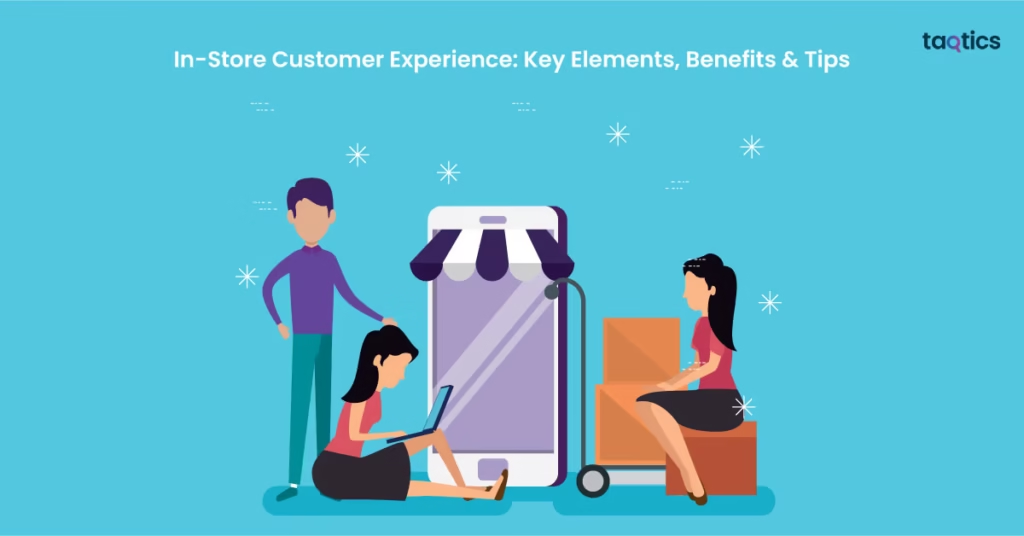
In-store customer experience is the heartbeat of brick-and-mortar retail success.
It shapes how customers feel about the store, how easily they can find what they need, how they interact with employees, whether they trust the brand, and whether they want to return.
Unlike customer service, which mainly describes direct interactions between employees and shoppers, customer experience covers the complete in-store journey — from the entrance and layout to product availability, visual merchandising, staff behaviour, checkout, returns, and post-purchase follow-up.
This guide explains what creates a strong in-store customer experience, how retailers can improve it consistently across stores, and how to measure whether those improvements are actually working.
What Is In-Store Customer Experience?
In-store customer experience is the sum of every interaction and impression a shopper has inside a physical retail store from the moment they enter until the moment they leave.
It includes practical factors such as store layout, product availability, queue time, signage, ease of navigation, checkout, and returns, as well as emotional factors such as whether customers feel welcomed, understood, comfortable, and confident in the brand.
Customer service focuses mainly on the support employees provide. Customer experience is broader: it includes the environment, product availability, merchandising, staff interactions, technology, policies, checkout, service recovery, and every other touchpoint that shapes how the shopper experiences the store.
Why Does In-Store Customer Experience Matter?
Physical stores compete not only on product and price but also on the quality and consistency of the experience they create.
Build customer trust and loyalty
Customers are more likely to return when stores are easy to shop, employees are helpful, products are available, and issues are resolved without unnecessary effort.
Strengthen brand consistency
The in-store experience is where customers see whether the brand promise is actually delivered. Signage, cleanliness, visual standards, staff presentation, service, and store condition all influence brand perception.
Reduce friction in the shopping journey
Cluttered layouts, unclear pricing, unavailable products, long queues, poor signage, or employees who cannot answer basic questions can all create friction and reduce customer confidence.
Support sales and conversion
A store that makes products easy to find, promotes them clearly, keeps shelves available, and gives customers useful assistance can make the buying process easier.
What Are the Key Components of a Great In-Store Experience?
1. Store Environment and Visual Merchandising
The physical environment shapes the customer’s first impression and influences how comfortable the store feels.
- cleanliness and housekeeping;
- lighting and atmosphere;
- storefront and window displays;
- fixture condition;
- product presentation;
- signage;
- planogram or layout execution;
- promotional displays.
Visual merchandising should help customers understand the offer, discover products, and navigate promotions without making the store feel confusing or overcrowded.
For retailers managing VM standards across many locations, Visual Merchandising Software can help distribute guidelines, collect store proof, review execution, and act on deviations.
2. Staff and Service
Employees strongly influence how customers interpret the brand.
- acknowledging customers;
- being available without being intrusive;
- knowing the products;
- answering questions accurately;
- helping customers compare options;
- handling complaints with empathy;
- understanding store policies;
- owning the customer’s problem instead of passing it around unnecessarily.
This is why employee training and employee experience matter to customer experience. Teams are more likely to deliver consistent service when expectations are clear, training is practical, and managers provide support rather than relying only on scripts.
3. Layout and Navigation
The store should make it easy for customers to move through the space and understand where products are located. Reduce friction by keeping aisles clear, grouping products logically, maintaining visible category and directional signs, making prices readable, and ensuring promotional displays do not obstruct customer flow.
4. Product Availability
A beautifully designed store still creates a poor experience when customers repeatedly cannot find the products they came to buy. Retail teams should monitor shelf availability, replenishment, stockroom organization, damaged products, and recurring out-of-stock issues.
5. Checkout and Queue Management
The checkout is often the last major in-store interaction, so delays or confusion can weaken an otherwise positive experience. Stores should review queue length, counter coverage, payment readiness, POS reliability, receipt processes, and communication during delays.
6. Returns, Exchanges, and Service Recovery
Returns and complaints are moments where customer trust can either weaken or strengthen. Policies should be clear, employees should understand what they are authorized to do, and customers should not have to repeat the same issue to multiple people when it can be resolved at the first point of contact.
7. Technology and Omnichannel Touchpoints
In-store customer experience increasingly connects with digital channels. Useful touchpoints can include mobile POS, self-checkout, digital signage, loyalty apps, product availability information, click-and-collect, digital receipts, feedback tools, and online returns handled in store.
The goal is not to add technology for its own sake. Technology should remove friction or improve the relevance, speed, or consistency of the customer journey.
Map the In-Store Customer Journey and Touchpoints
One of the useful ideas from broader retail customer-experience planning is to map the customer journey rather than improving isolated moments.
Arrival
Parking, storefront, entrance, accessibility, opening readiness, window display.
Orientation
Signage, store layout, category navigation, promotional visibility.
Discovery
Product availability, merchandising, pricing, product information, staff assistance.
Decision
Product comparison, fitting or trial areas, employee recommendations, stock alternatives.
Checkout
Queue, POS readiness, payment choices, promotions, receipts, final staff interaction.
After purchase
Returns, exchanges, feedback, loyalty, follow-up, issue resolution.
Mapping the journey makes it easier to identify where friction occurs and which team or process owns the improvement.
How to Improve Customer Experience in Retail Stores
1. Reduce friction at every touchpoint
Look for anything that creates avoidable effort for the customer: blocked aisles, confusing layouts, missing prices, unavailable stock, slow checkout, unclear policies, or difficulty finding an employee.
2. Train employees for real customer situations
Training should cover product knowledge, service standards, complaint handling, returns, promotions, escalation, and the ability to find the answer when employees do not immediately know it.
3. Personalize where it adds genuine value
Personalization can include remembering customer preferences, making relevant recommendations, recognizing loyalty status, or using clienteling tools where appropriate. Avoid making personalization feel intrusive.
4. Make policies clear
Returns, exchanges, offers, warranties, promotions, and loyalty terms should be easy for both employees and customers to understand.
5. Ask for feedback
Use post-visit surveys, QR codes, feedback kiosks, reviews, customer-service data, complaint records, and conversations with employees to identify recurring friction.
6. Use customer reviews as an improvement source
Reviews are not only a reputation channel. Repeated comments about queues, employee behaviour, stock availability, cleanliness, returns, or navigation can reveal operational issues that need attention.
7. Connect online and offline journeys
If customers move between the website, app, social channels, loyalty program, and store, policies and information should remain as consistent as possible.
8. Take care of the frontline employee experience
Employees who lack training, information, tools, staffing, or management support will struggle to deliver the intended customer experience consistently.
How to Measure In-Store Customer Experience
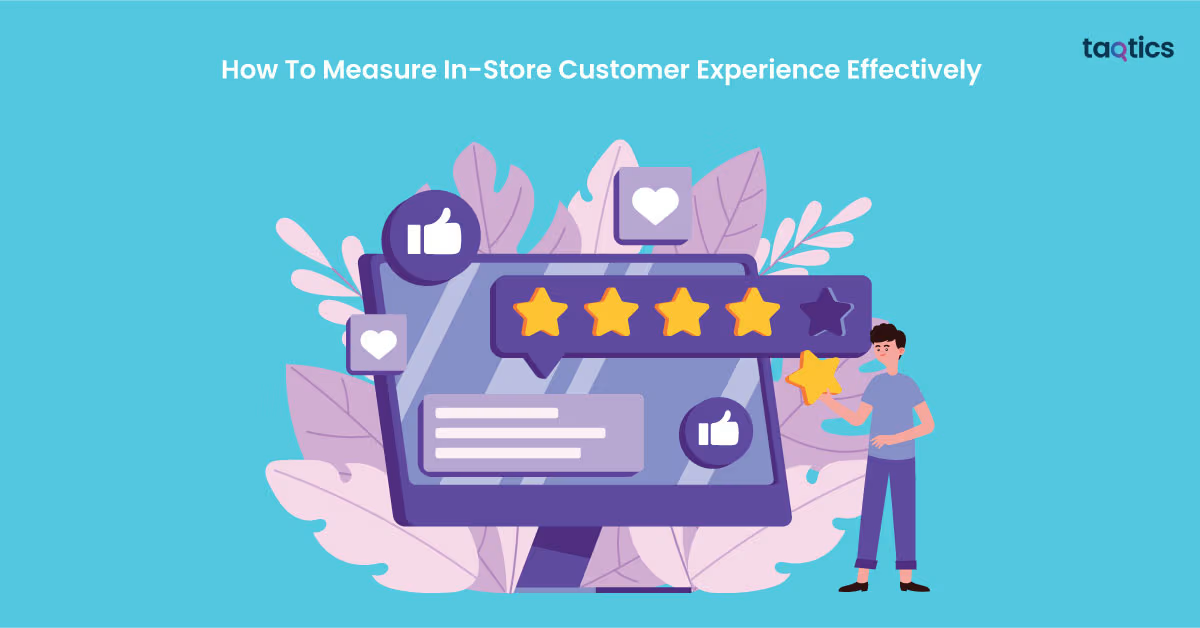
No single metric gives a complete picture. Combine direct customer feedback with operational and behavioural measures.
Customer feedback metrics
- Customer Satisfaction (CSAT)
- Net Promoter Score (NPS)
- Customer Effort Score (CES)
- review ratings;
- complaint and feedback themes.
Behavioural and commercial measures
- store conversion;
- dwell time;
- repeat visits;
- average transaction value;
- queue or wait time;
- return rate;
- product availability.
Operational execution measures
- opening readiness;
- cleanliness scores;
- customer-service audit results;
- VM compliance;
- price accuracy;
- shelf availability;
- POS readiness;
- open customer-impacting issues;
- corrective-action closure.
How to Audit the In-Store Customer Experience
For multi-location retailers, a structured customer-experience audit gives regional and store managers a repeatable way to compare locations.
A retail customer-experience audit can evaluate storefront and entrance readiness, cleanliness, staff grooming and availability, greeting, product knowledge, visual merchandising, shelf availability, pricing, service areas, queues, checkout, returns, accessibility, and customer-facing facility condition.
Failed checks should lead to clear actions with an owner, priority, due date, and evidence of closure.
In-Store Customer Experience Best Practices
- design the store around easy customer movement;
- keep high-priority products available;
- maintain clear prices and signage;
- keep stores clean and customer-ready;
- train employees on product knowledge and service recovery;
- review visual merchandising consistently;
- reduce queue and checkout friction;
- make return and exchange policies easy to understand;
- connect online and offline customer journeys;
- collect feedback and act on repeated themes;
- use store audits to verify experience standards;
- close customer-impacting issues rather than only recording them.
In-Store Customer Experience FAQs
What is in-store customer experience?
In-store customer experience is the combined impression created by every interaction a shopper has inside a physical retail store, including the environment, product availability, merchandising, staff service, navigation, checkout, returns, and other touchpoints.
What is the difference between customer service and customer experience?
Customer service mainly refers to direct support provided to the customer. Customer experience is broader and includes the entire journey, including the environment, processes, technology, products, employees, policies, and service interactions.
How can retailers improve in-store customer experience?
Retailers can improve the experience by reducing shopping friction, training employees, keeping products available, improving layout and signage, maintaining visual and cleanliness standards, managing queues, simplifying returns, connecting digital and physical journeys, and acting on customer feedback.
How do you measure in-store customer experience?
Use a combination of customer-feedback measures such as CSAT, NPS, CES and reviews; behavioural measures such as conversion, dwell time and repeat visits; and operational measures such as cleanliness, VM compliance, shelf availability, service audit results and open customer-impacting issues.
Why is employee training important for retail customer experience?
Frontline employees shape many of the most important customer interactions. Product knowledge, service skills, policy awareness, problem-solving, and complaint handling help employees deliver more consistent and useful support.
Conclusion
A strong in-store customer experience is not created by one memorable interaction. It comes from many small store-level standards working together consistently.
Retailers should look at the complete shopper journey: the store environment, product availability, navigation, merchandising, employee interactions, checkout, service recovery, and the connection between digital and physical channels.
The most useful improvements are the ones retailers can repeat across locations. Define the standard, train teams, measure the experience, audit execution, listen to customers, and close the operational gaps that repeatedly create friction.
For multi-location retail teams, Taqtics Retail Management Software helps connect tasks, audits, VM execution, training, issues, and management visibility across stores.
About the Author